
Just In Mac Lite
User Manual
Everything you need to install, configure, operate, and maintain ToolsOnAir's streamlined multichannel capture solution for macOS.
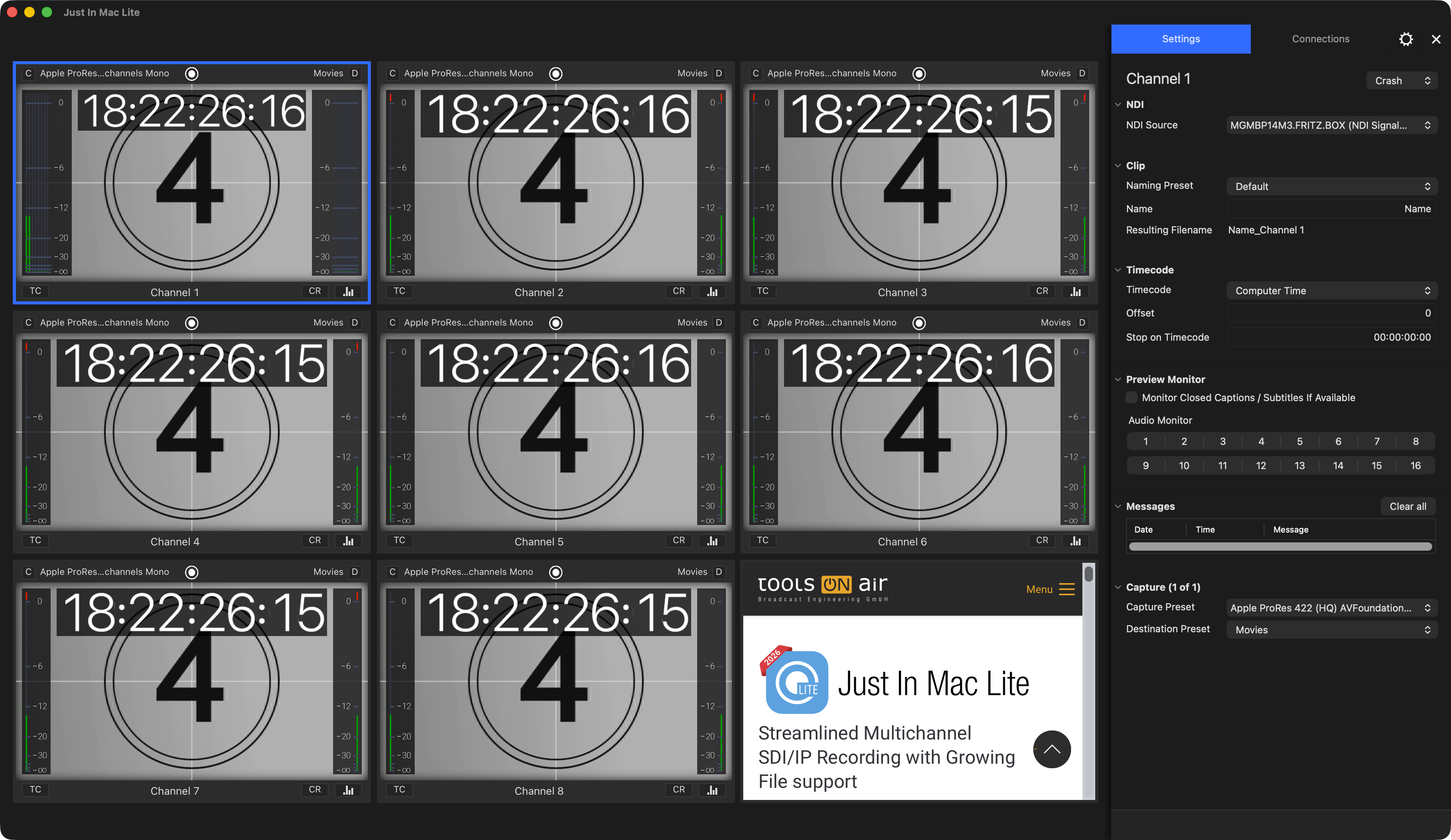 v.2026.x
Start with the essentials
Follow the main sections or search for a specific setting and workflow.
Browse the complete manual
Choose a top-level section. Every nested topic remains available in the article navigation.
Just In Mac Lite v.2026.x
Open this section of the Just In Mac Lite user manual.
Explore section →Manual sectionRelease Notes v.2026.x
Open this section of the Just In Mac Lite user manual.
Explore section →Manual sectionWhat's New v.2026.x
Open this section of the Just In Mac Lite user manual.
Explore section →Manual sectionFeature Comparison Just In Mac Lite/Just In Mac Pro v.2026.x
Open this section of the Just In Mac Lite user manual.
Explore section →Manual sectionSystem Requirements v.2026.x
Open this section of the Just In Mac Lite user manual.
Explore section →Manual sectionJust In Mac Lite Getting Started v.2026.x
Open this section of the Just In Mac Lite user manual.
Explore section →Manual sectionUpgrade from an older version to v.2026.x
Open this section of the Just In Mac Lite user manual.
Explore section →Manual sectionUser Interface v.2026.x
Open this section of the Just In Mac Lite user manual.
Explore section →Manual sectionConfiguration Panel v.2026.x
Open this section of the Just In Mac Lite user manual.
Explore section →Manual sectionPreference Pane and Stay Alive v.2026.x
Open this section of the Just In Mac Lite user manual.
Explore section →Manual sectionToolsOnAir System Profile & Support System v.2026.x
Open this section of the Just In Mac Lite user manual.
Explore section →Manual sectionKeyboard Shortcuts v.2026.x
Open this section of the Just In Mac Lite user manual.
Explore section →Manual sectionClosed Caption Recording v.2026.x
Open this section of the Just In Mac Lite user manual.
Explore section →Manual sectionUHD Recording v.2026.x
Open this section of the Just In Mac Lite user manual.
Explore section →Manual sectionDaylight saving time v.2026.x
Open this section of the Just In Mac Lite user manual.
Explore section →Manual sectionToolsOnAir REST API v.2026.x
Open this section of the Just In Mac Lite user manual.
Explore section →Manual sectionVideo Hardware Setup Change v.2026.x
Open this section of the Just In Mac Lite user manual.
Explore section →Manual sectionPerformance Sheet v.2026.x
Open this section of the Just In Mac Lite user manual.
Explore section →Manual sectionKnown Issues v.2026.x
Open this section of the Just In Mac Lite user manual.
Explore section →