
Just Play Pro & Just Live Pro
User Manual
The complete guide to installing, configuring, operating, and maintaining ToolsOnAir's professional playout solutions for macOS.
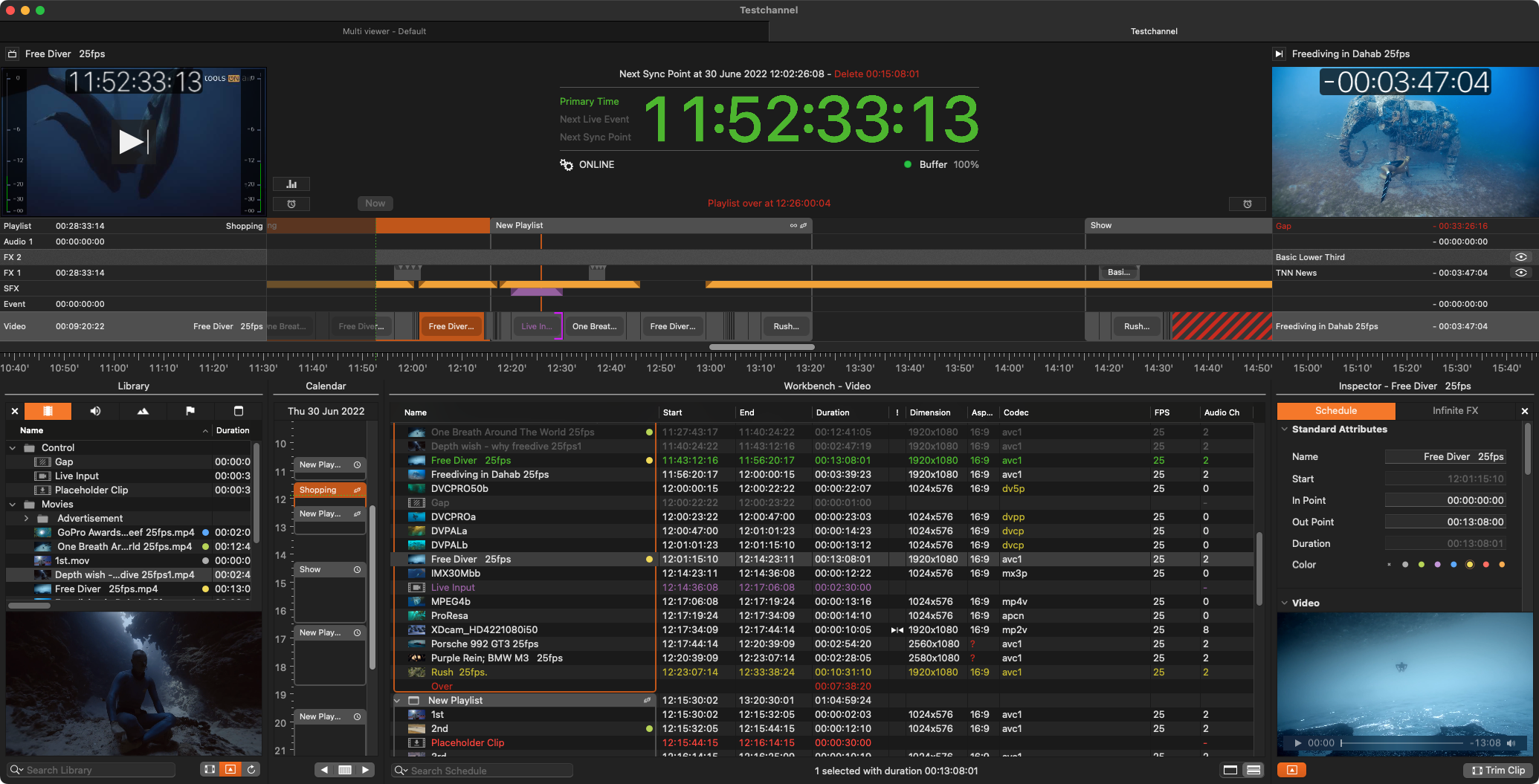
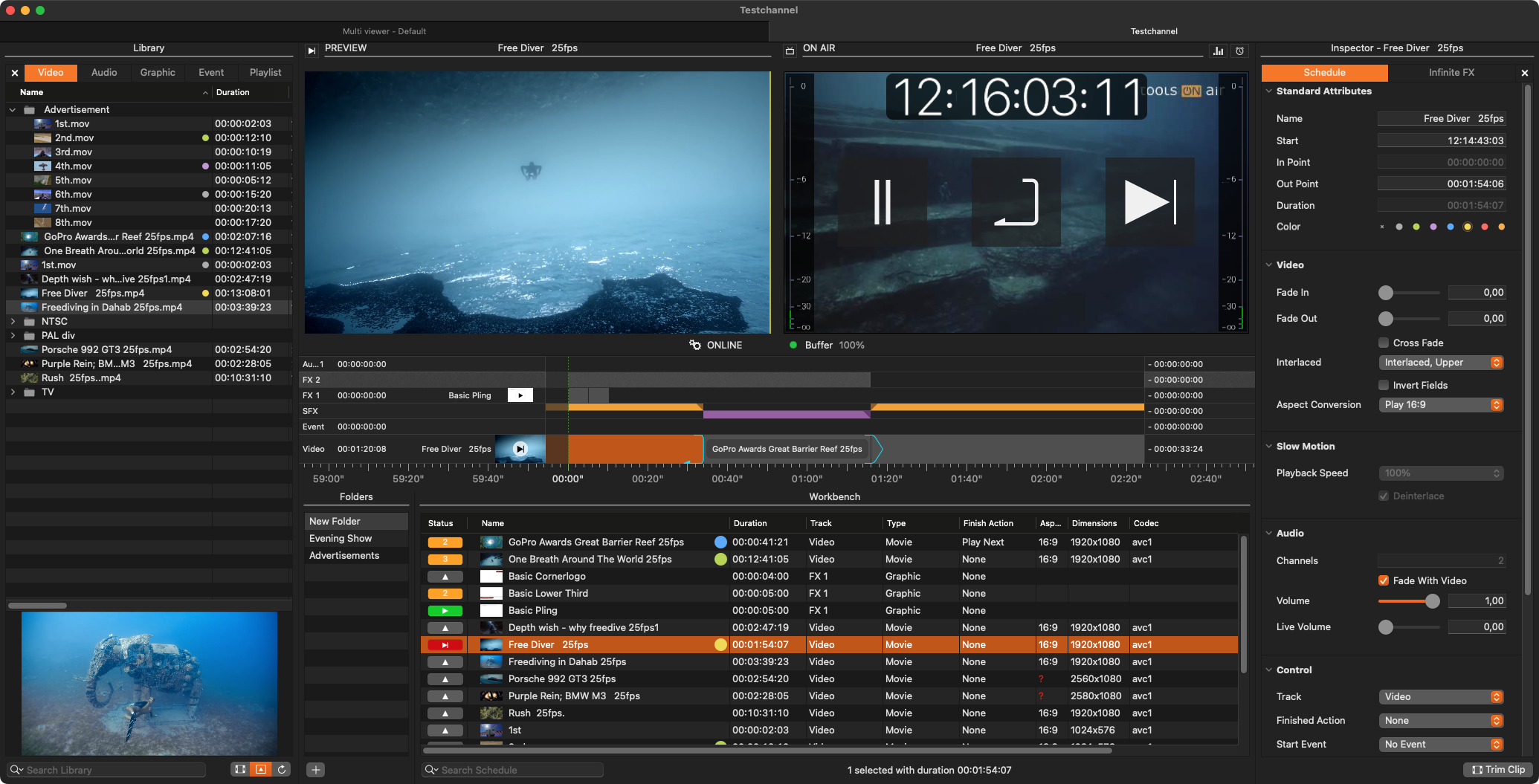
Start with the essentials
Follow the main sections or search for a specific setting and workflow.
Browse the complete manual
Choose a top-level section. Every nested topic remains available in the article navigation.
Just Live Pro & Just Play Pro v.2026.x
Open this section of the Just Play Pro & Just Live Pro user manual.
Explore section →Manual sectionImportant Notes Playout Pro v.2026.x
Open this section of the Just Play Pro & Just Live Pro user manual.
Explore section →Manual sectionWhat's New Playout Pro v.2026.x
Open this section of the Just Play Pro & Just Live Pro user manual.
Explore section →Manual sectionRelease Notes Playout Pro v.2026.x
Open this section of the Just Play Pro & Just Live Pro user manual.
Explore section →Manual sectionGetting Started Just Live Pro v.2026.x
Open this section of the Just Play Pro & Just Live Pro user manual.
Explore section →Manual sectionGetting Started Just Play Pro v.2026.x
Open this section of the Just Play Pro & Just Live Pro user manual.
Explore section →Manual sectionAdministrator Manual Playout Pro v.2026.x
Open this section of the Just Play Pro & Just Live Pro user manual.
Explore section →Manual sectionUser Interface Manual Just Live Pro v.2026.x
Open this section of the Just Play Pro & Just Live Pro user manual.
Explore section →Manual sectionUser Interface Manual Just Play Pro v.2026.x
Open this section of the Just Play Pro & Just Live Pro user manual.
Explore section →Manual sectionToolsOnAir Legal Notices v.2026.x
Open this section of the Just Play Pro & Just Live Pro user manual.
Explore section →