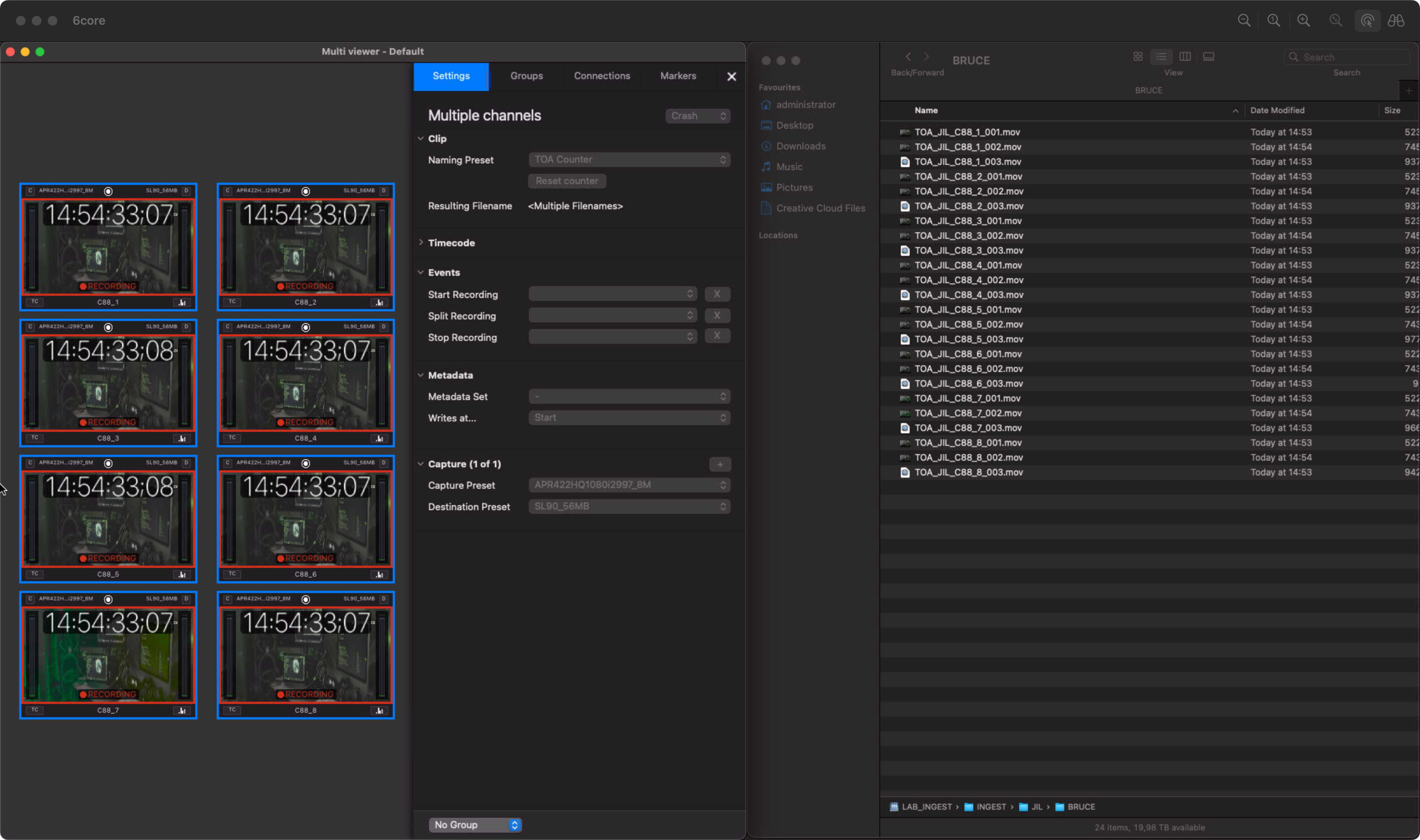
There are two ways of increasing the Counter Variable within Naming Presets as outlined below:
Stop/Start Recording
When there is an ongoing Recording and the operator needs to increase the Counter Variable because of production requirements, then the recording can be stopped and re-started again.
An ongoing Recording has a Counter Variable set to “001”.
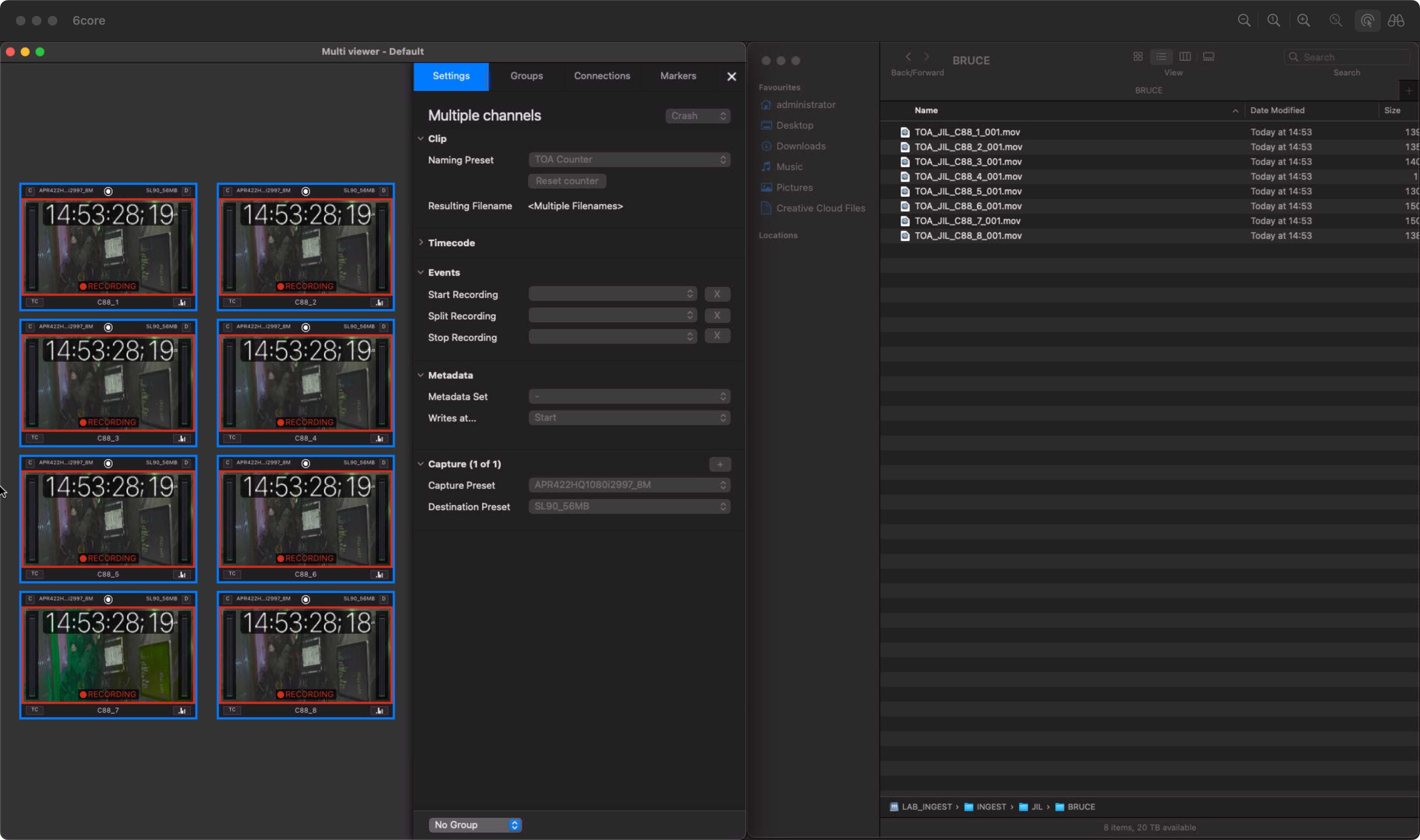
After stopping/re-starting the Recording the Counter Variable changes to “002”.
Split Recording
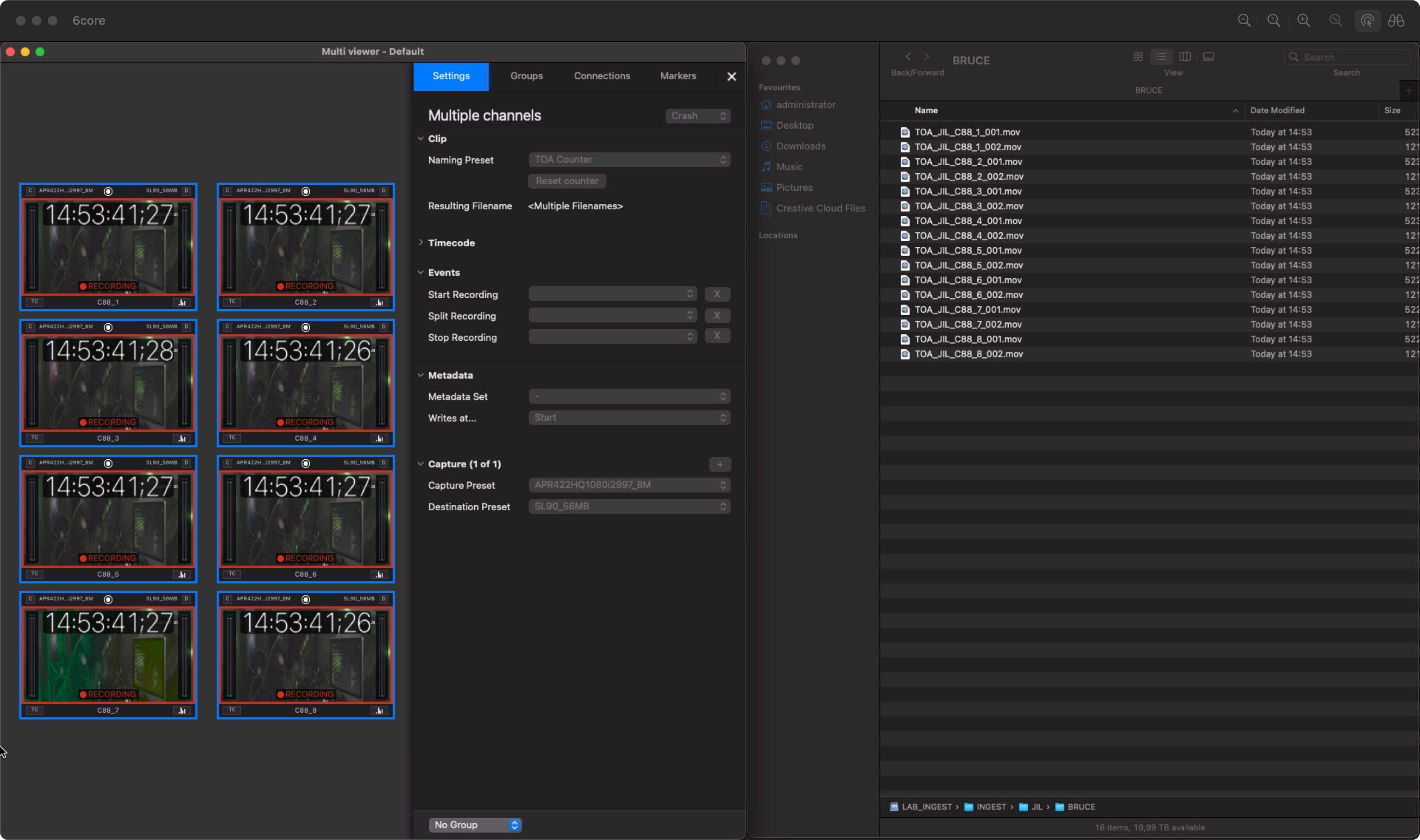
When there is an ongoing Recording and the operator needs to increase the Counter Variable because of production requirements, then the recording can be stopped and re-started again.
An ongoing Recording has a Counter Variable set to “002”.
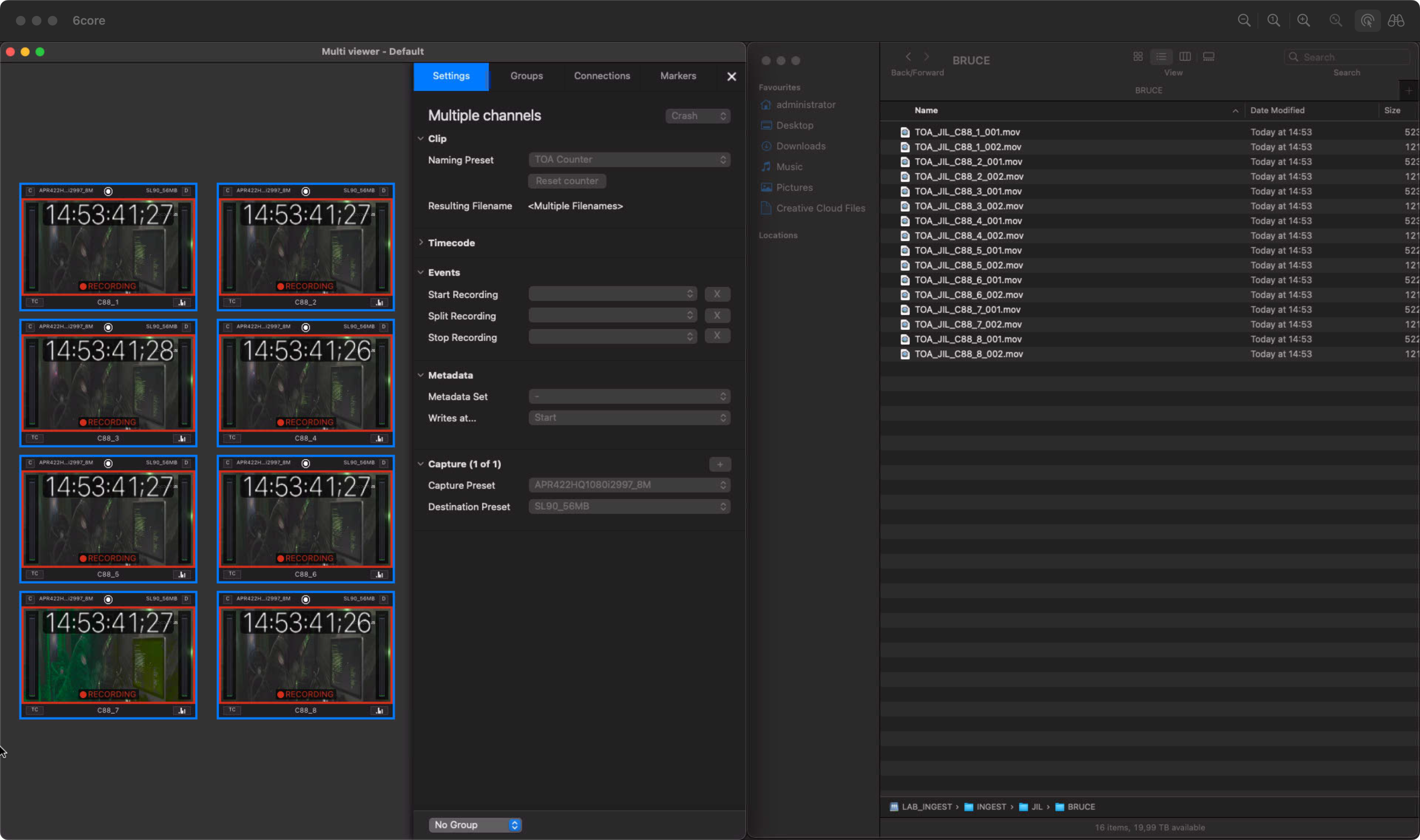
The Split Record Feature can be used to Split the ongoing Recording (holding down the “Option” key when moving the mouse over the “Record" button).
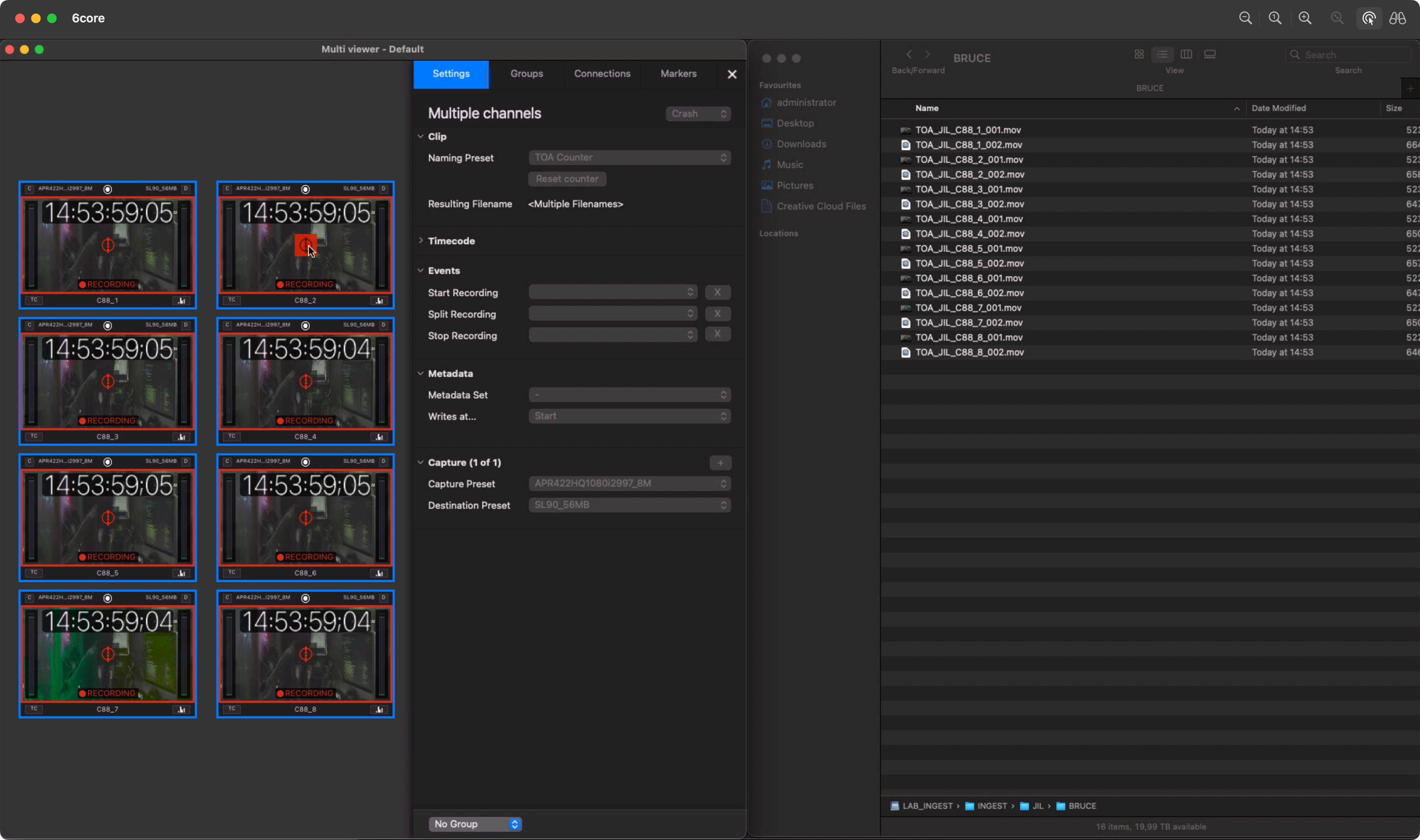
After performing the Split, the Counter Variable of the Recording changes to “003”.