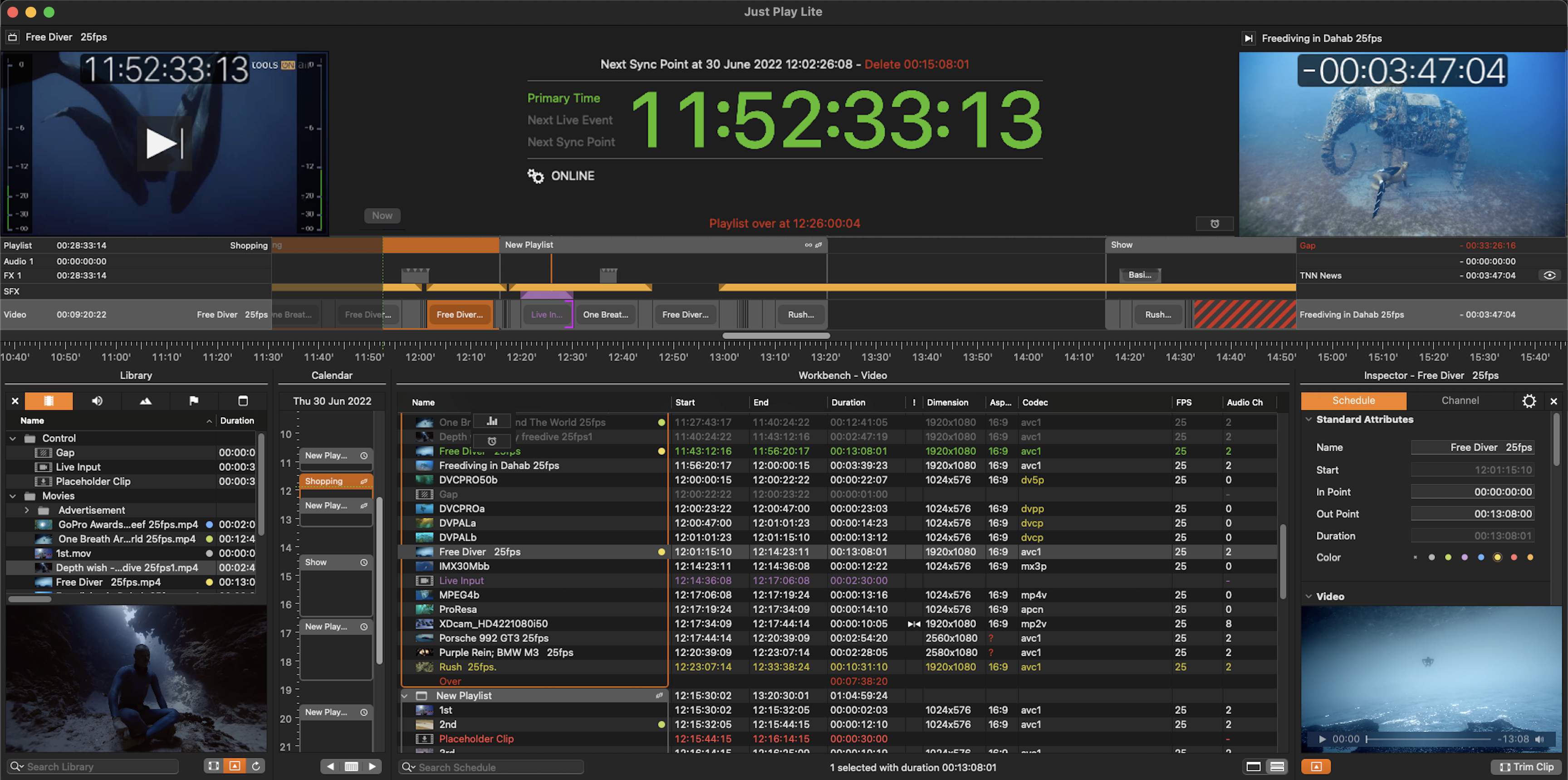
We assume that the hard- and software environment for the Just Play Lite application has already been set up by the time you are reading this page.
If this is not the case, please refer to the Just Play Lite v.2025.1 Getting Started Chapter or contact your system administrator.
Starting a Just Play Lite Channel
Go to your Applications folder and open the Just Play Lite folder.
Double-click the Just Play Lite application and the Just Play Lite user interface will show up.