
In case a movie is not ready for play out but should be scheduled already, a Placeholder element can be used in the meantime. The default length of such an item is 30 seconds and can be modified using the inspector. Finally such am element has to be replaced by a real movie before it will be played out. There are several ways to add a Placeholder element to a schedule.
|
Placeholder elements can be added to a schedule using the Video track by drag and drop them into:
|
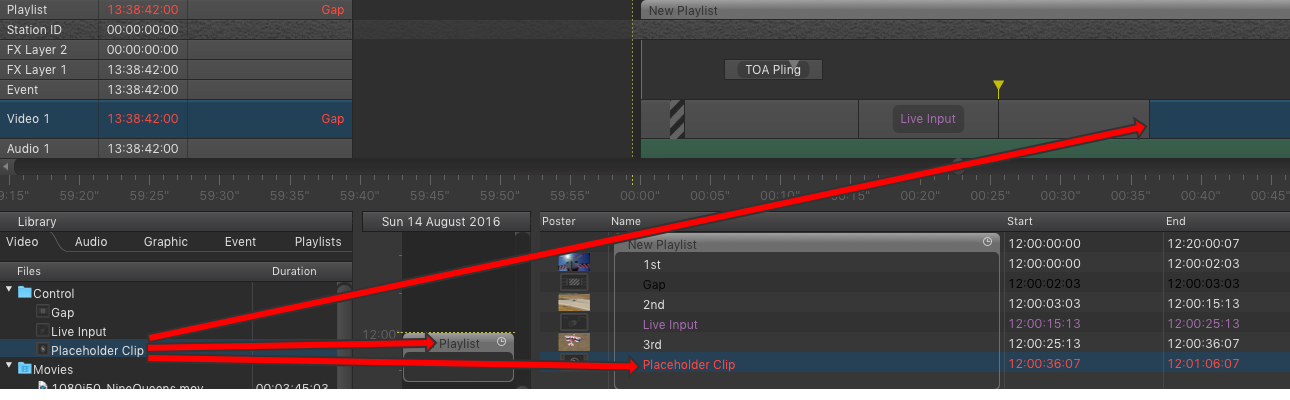
It is not possible to add a placeholder element to the rundown whose drop point is in the past. This would change the current playout and will therefore be rejected. A warning will be shown instead.
PLACEHOLDER element replacementBefore the movie is available by:
Once available you can replace the Placeholder with the movie by:
|