
The “Document” tab contains settings that apply to the whole composition.
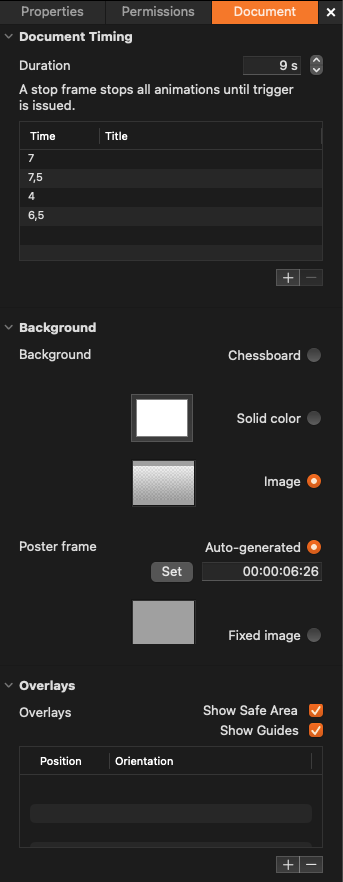
Document Timing: Used to define the duration of a composition. There is also a list that can be used to add/remove/modify stop frames.
Background: Used to define the background of a composition. The background will not be visible in the final playout in Just Play Pro 202x/Just Live Pro 202x. The Poster frame (i.e., static preview image of the composition) can either be automatically generated (default) or manually.
Overlays: Used to show/hide the safe areas that will not be visible in the final playout in Just Play Pro 202x/Just Live Pro 202x. There is also a list that can be used to add/remove/modify user-created guides.