
To access the “Composition Builder Preferences” panel, select: “Composition Builder → Settings… → Composition Builder Preferences”
General Tab
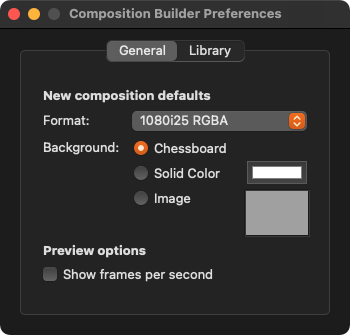
Format: Select your desired default composition format here. New compositions will be created in the selected format.
Background: Define your default background for new compositions here.
Preview options: If you need a frames-per-second display in the preview, you can activate it here.
Library Tab
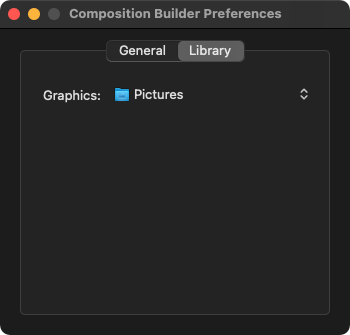
Graphics: Set the repository paths for the Library. The Library looks for files in the specified Repositories, and these files will then be represented in the Library. The home folder of each macOS user has standard locations in which media files are stored, so these are the default paths.