| | ToolsOnAir Playout 2026.1 Is Now Available
Dear ToolsOnAir Enthusiast,
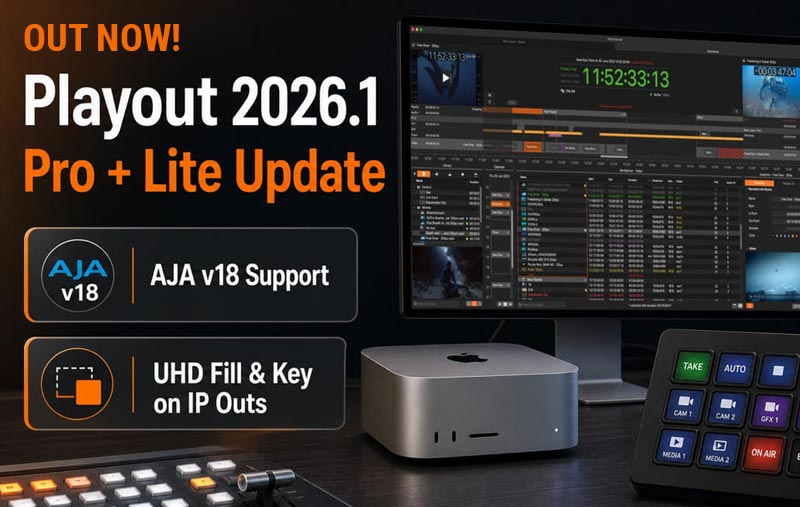
The new ToolsOnAir Playout 2026.1 release is now available for just:play pro 2026.1, just:live pro 2026.1, and our Lite Playout products. This update focuses on improved system reliability, updated hardware compatibility, AJA SDK v18 support, UHD Fill+Key enhancements, and several speed improvements and bug fixes for daily playout operation. For customers already using the 2026 generation of just:play pro, just:live pro, or our Lite Playout products, we recommend installing this update. The update process is fast and easy: simply drag and drop the new version over your existing installation. No reconfiguration is required, so you can move to Version 2026.1 with minimal effort. | |
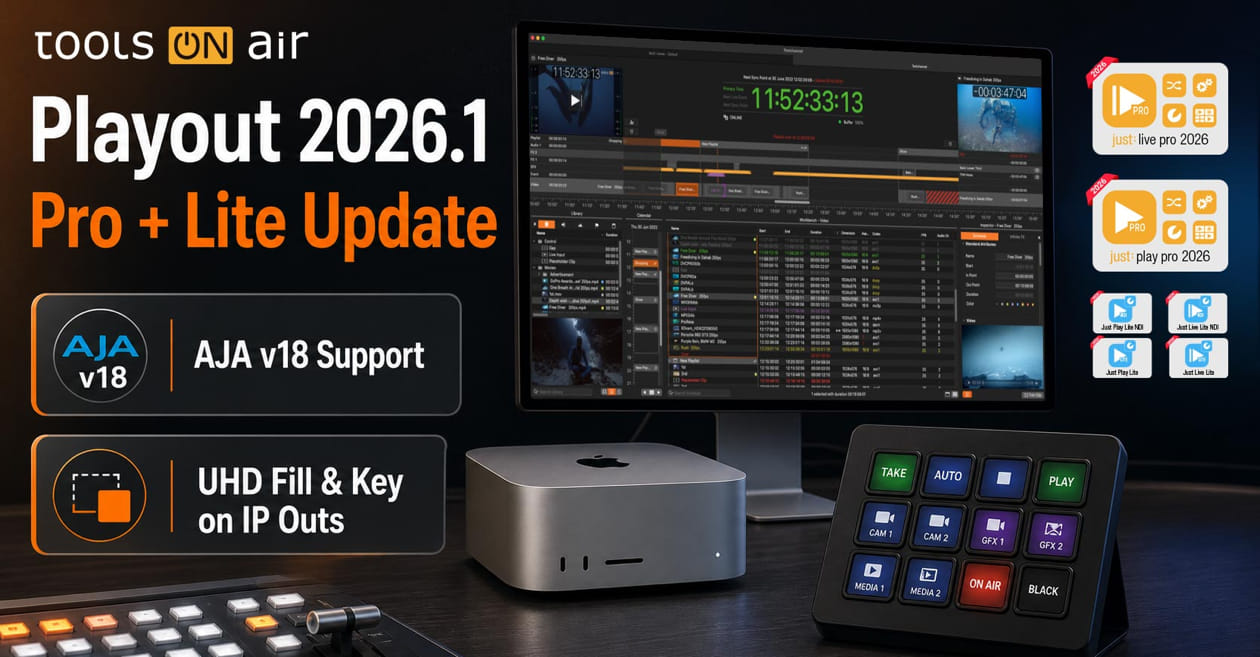 |
| | New in Playout 2026.1Version 2026.1 includes several refinements for professional macOS-based playout and live production workflows. The release adds important compatibility updates for AJA-based systems, improves UHD Fill+Key output capabilities, and includes a range of bug fixes and speed improvements across the playout engine and related applications. | | | |
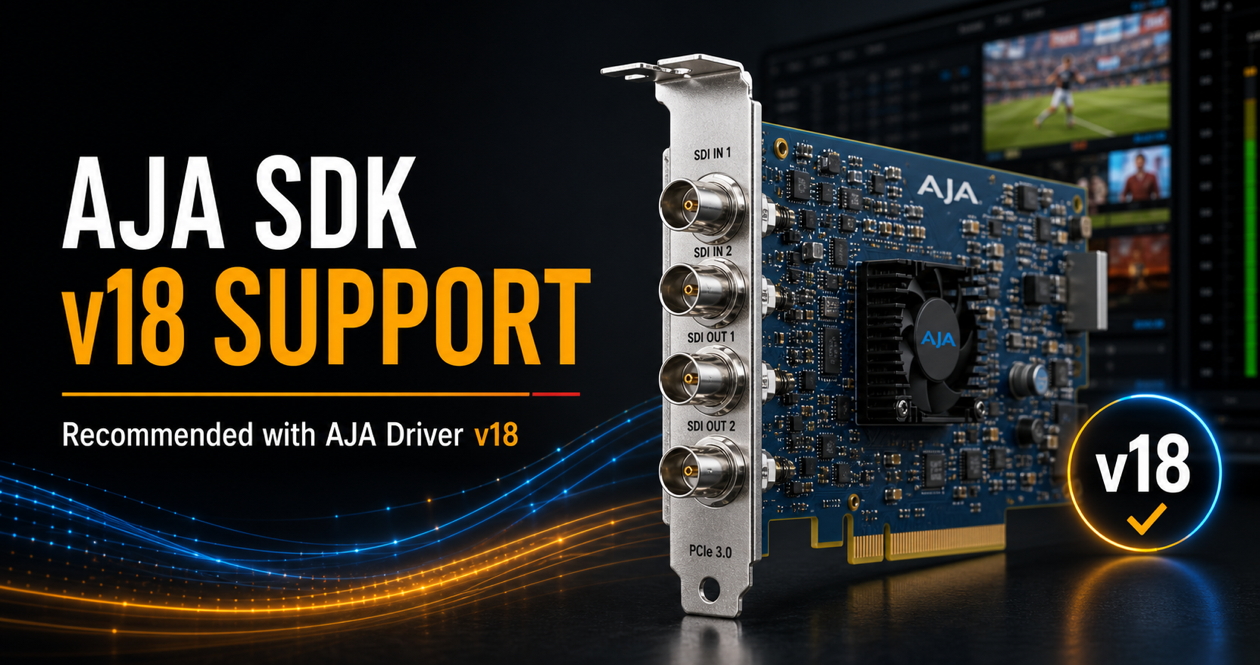
| | AJA SDK v18 SupportPlayout 2026.1 introduces support for AJA SDK v18 while still working with AJA Driver v17. This means you can update your ToolsOnAir Playout applications to Version 2026.1 first and continue using your current AJA Driver Version 17 setup. The AJA driver update to Version 18 can then be scheduled separately at a later point, when you have planned the required system downtime. For best long-term compatibility, we recommend moving to AJA Driver Version 18. However, please do not rush this step. The AJA driver update process should be followed carefully, step by step. Otherwise, it may lead to installation problems or system-level driver issues. Before updating, please read the official AJA macOS installation guide:
http://www.aja.com/pdf/2026/AJA_Desktop-Software_macOS-Installation-Guide_v18.0.pdf | |
 |
| | UHD Fill+Key Output ImprovementsVersion 2026.1 also enables RGBA output for UHD Fill+Key workflows on supported devices and streams. This is an important improvement for customers working with real-time graphics, key/fill workflows, and UHD live production environments where reliable alpha-channel output is required. | |
| | just:live pro Preview Workflow ImprovementFor just:live pro users, Version 2026.1 adds a new “Start Preview of Selected Item” command in the scheduling tab’s View menu. When an item is selected in the workbench and loaded into preview, operators can now start the preview directly from the menu or by using the Cmd-Shift-P keyboard shortcut. This is especially useful for customers who control just:live pro with a Stream Deck, as more and more live production workflows rely on clearly defined keyboard shortcuts for fast, reliable, and hands-on operation. | | | |
| | ToolsOnAir Partners with Brad Rummler of Broadcast RevolutionWe are pleased to partner with Brad Rummler as we continue expanding our reach across North America. Brad worked with ToolsOnAir more than 15 years ago, and now returns to support our growth in the region through Broadcast Revolution as an independent sales representative. With more than two decades in broadcast and media technology, Brad has a deep understanding of the challenges and opportunities facing news, media, and enterprise teams. His experience in building trusted relationships and delivering solutions makes him a strong addition as we focus on larger, more complex projects. Brad will lead business development efforts focused on CORE I/O projects and large-scale macOS Capture & Playout projects for Tier 1 broadcasters, media companies, and enterprises across the U.S. Contact ToolsOnAir US:
Brad Rummler
toa-us@toolsonair.com
brad@broadcastrevolution.com
+1 (310) 699-7970 | |
 |
| | New User Manuals Section OnlineWe have also updated our online user manual section, making it easier to access current documentation for our macOS-based Pro solutions, Lite solutions, and Composition Builder. The User Guide Central is the best starting point for installation details, feature explanations, workflow information, and day-to-day operational questions. | | | |
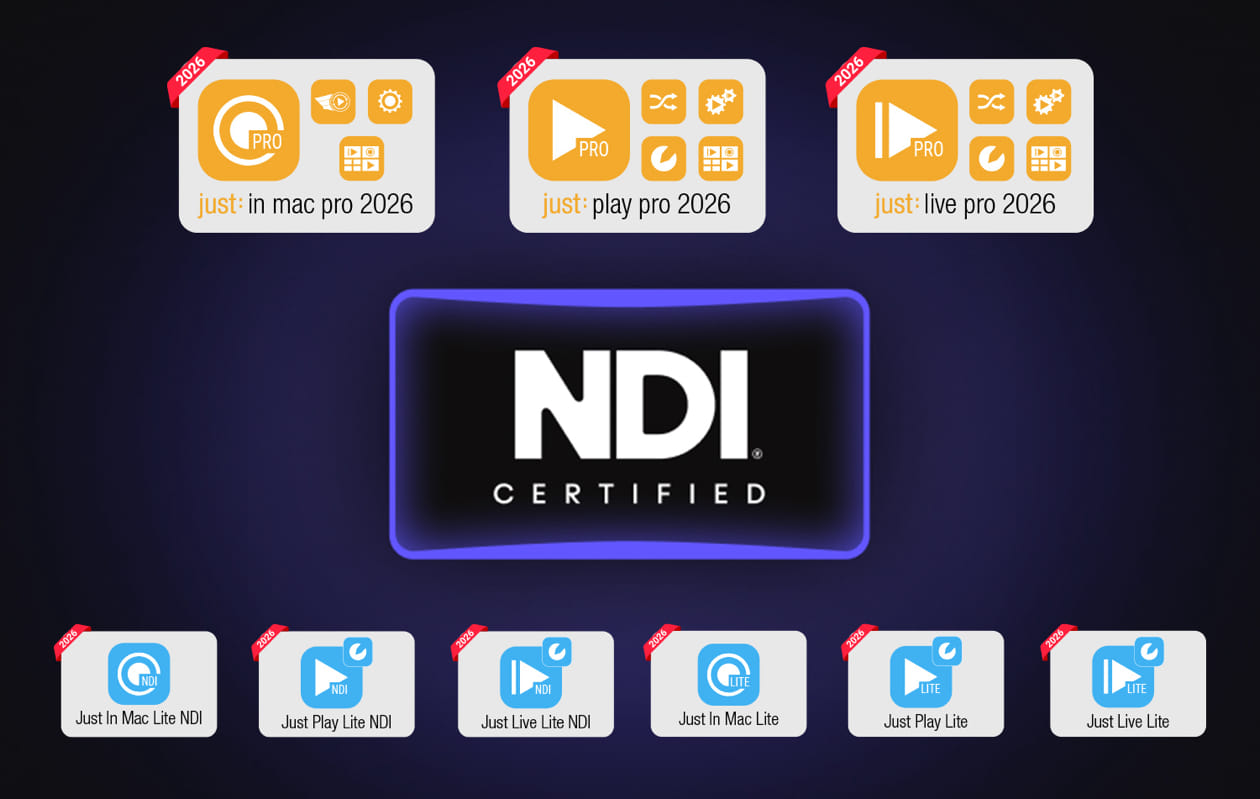
| | ToolsOnAir’s macOS Product Line Is Now NDI CertifiedWe are pleased to announce that ToolsOnAir’s complete range of NDI-enabled macOS capture and playout solutions is now officially NDI Certified. From cost-effective standalone LITE applications to scalable multichannel PRO systems, ToolsOnAir provides a complete portfolio of professional NDI recording and playout solutions for macOS. Our solutions combine NDI-certified interoperability with multichannel recording, live-input switching, caption monitoring, graphics integration, VANC metadata transport, and complete NDI program output. | | | |
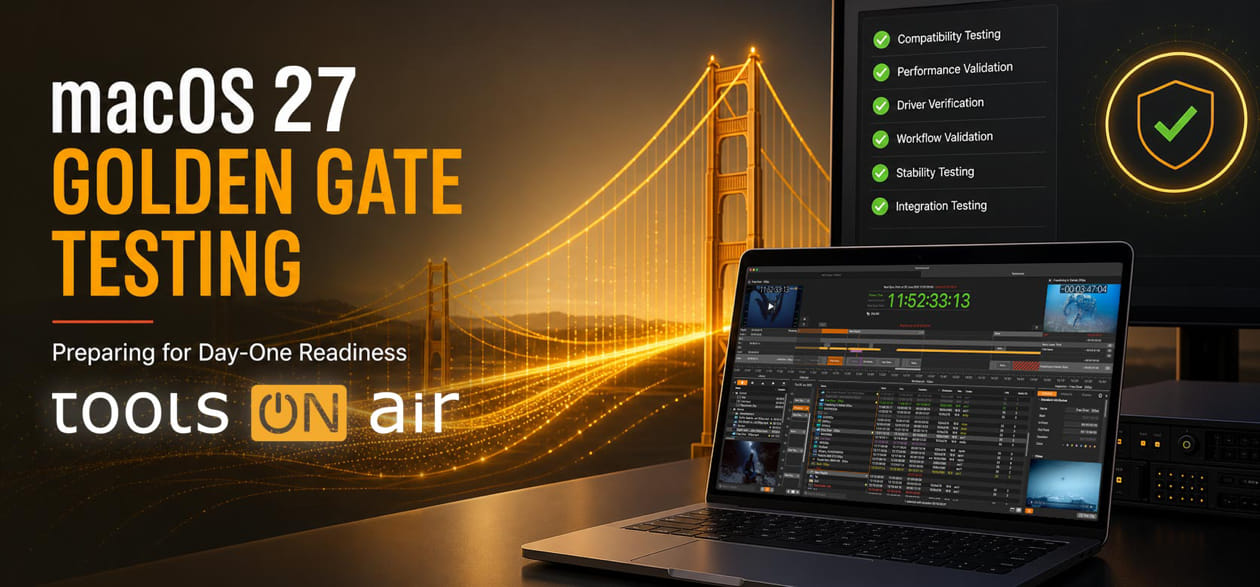
| | Testing for macOS Golden Gate ReadinessWe are also testing our latest 2026.1 versions with macOS 27 Golden Gate to ensure that our capture and playout solutions are ready for the next macOS operating system on day one when it becomes available. This ongoing compatibility testing helps us validate recording workflows, video hardware behavior, driver interaction, REST API operation, and overall system stability on the upcoming macOS platform. | |
| | Let’s Continue the Conversation at IBC
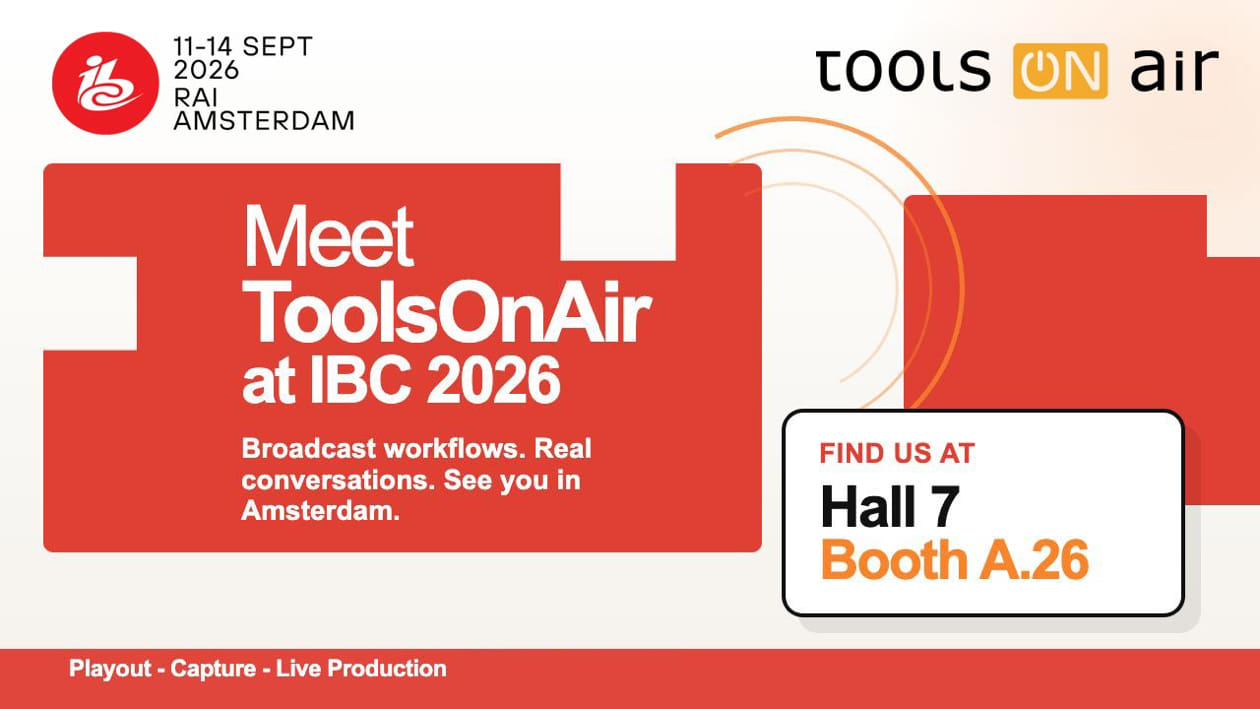
We are looking forward to catching up with customers, partners, and friends at IBC 2026. You will find ToolsOnAir in Hall 7, Booth 7A.26. If you are planning your visit and would like to discuss Playout 2026.1, upcoming workflows, hardware recommendations, or future projects, we would be happy to meet you there. | |
|