Within the “Device” tab you can change the:
Device/Engine port
Fallback frame count
LTC Audio Device
All Channels of a selected Device can be stopped and started with a single button click, and the REST API can be opened here as well.

Device Settings and Device Name can only be changed when all Channels are disabled.
By default, the Device port is 5000.
The “Fallback frame count” setting is used for fallback scenarios, where the Just In Mac Pro 2026 channel buffers the number of frames (i.e. “Fallback frame count”), before switching to the fallback destination or before stopping the recording. We recommend a value between “100-150”.
The” LTC Audio Device” setting can be used to select an Audio In Device, such as a USB audio-in adapter, to sync all channels to an LTC source.
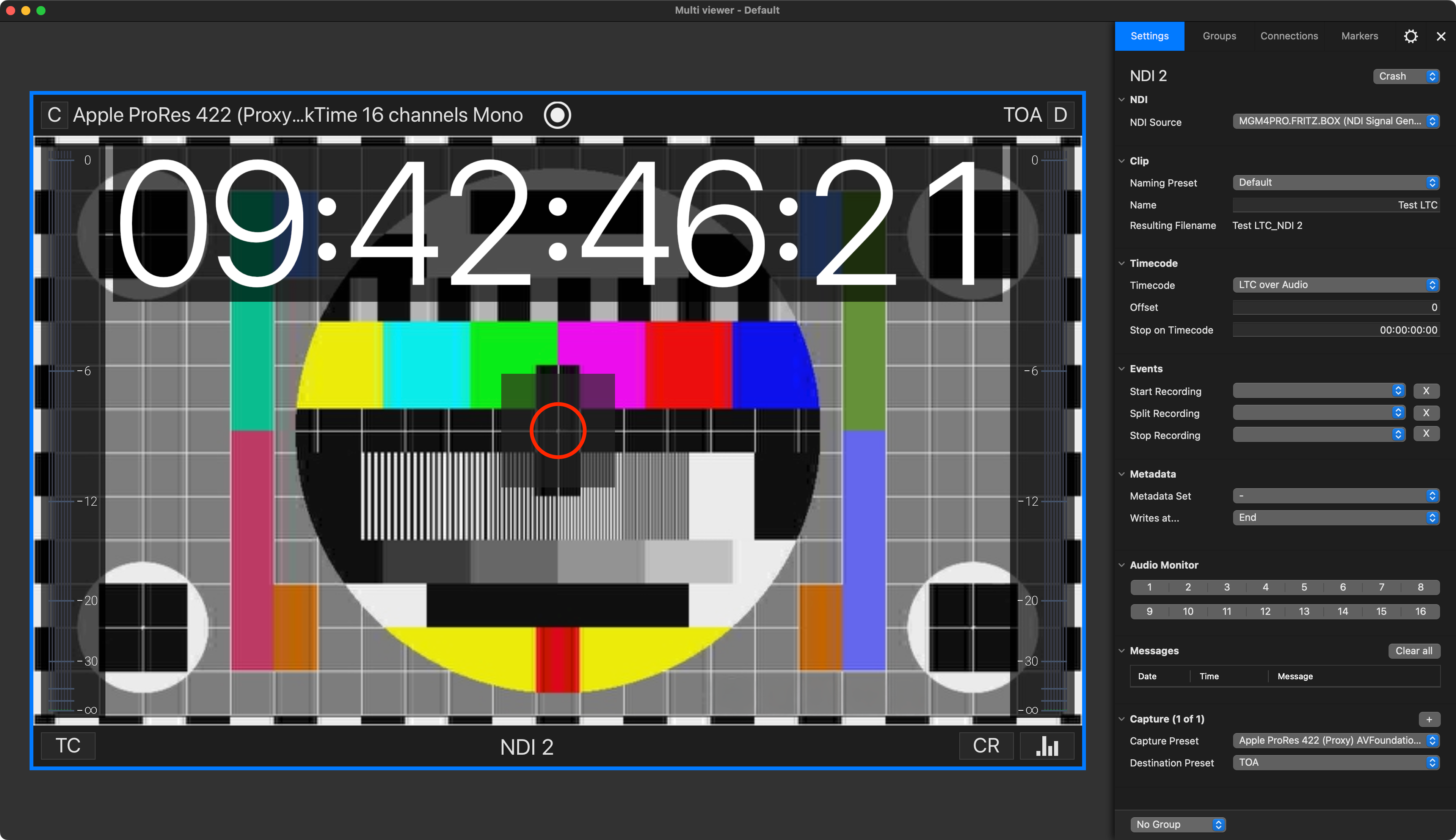
Please remember to select the “LTC over Audio” checkbox and choose your preferred USB audio device (e.g. MOTU, Focusrite, Behringer etc.). Then, back in the Channel Inspector, select the “LTC over Audio” option from the “Timecode” dropdown menu.