
With Just In Mac Pro 2026 please note that you will need a new Activation Key, when upgrading from Just In Mac v.6.5 or previous versions.
NOTE: Version 2026 exclusively supports Apple silicon hardware. If you are planning to deploy Just In Mac on INTEL-based Macs (MacPro7,1 or Macmini8,1) please use version 6.5 or version 2025.1!
Download & Installation
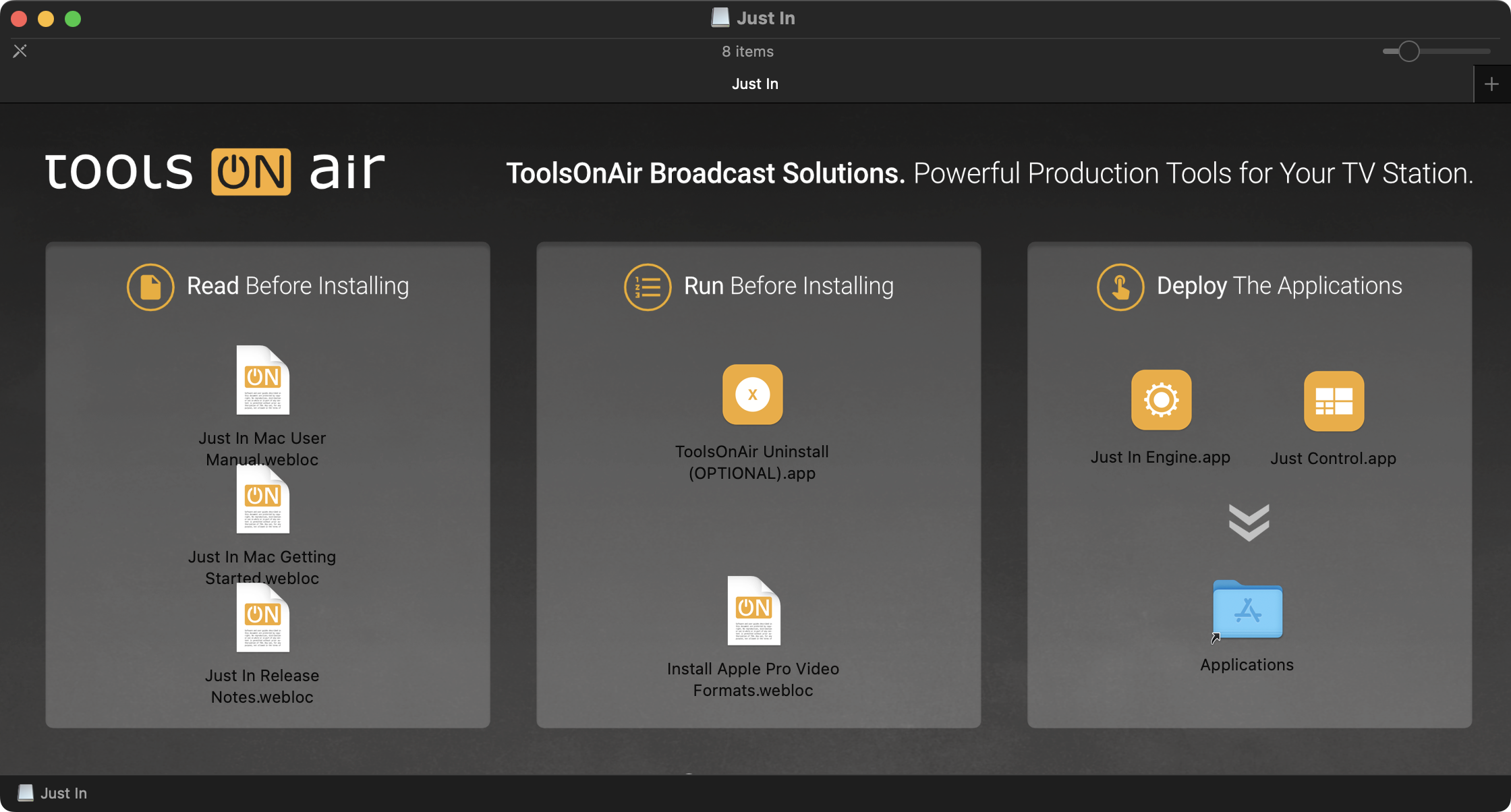
Download Just In Mac Pro 2026 from our website or the ToolsOnAir Support System (free account required). Open the disk image and drag (“Copy” and “Paste”) the Just In Engine and the Just Control applications to your macOS “Applications” folder.
Upgrade from an older version of Just In Mac Pro
To update your existing Just In Mac v.6.5 or 2025 installation, simply drag (“Copy” and “Paste”) the new version into your macOS “Application” folder. All previous settings will be applied, and you can start using the new Just In Mac Pro 2026 version without any further action, besides the fact that a new/updated Activation key is required when.
If you are updating from version 6.x or from an older version of Just In Mac (v.5.x or older), please contact ToolsOnAir and/or create a ticket in our Support System so that we can help you with the installation and update process as well as the provision of the new Online Activation Key.