
General
Send “GPI Out” Trigger with this Device type.
Please beware that an external hardware device (Service USB Plus) is required for this Event Device. Please contact ToolsOnAir for additional information as the Service USB Plus device has treached its End-of-Live and End-of-Sale cycle!
Devices
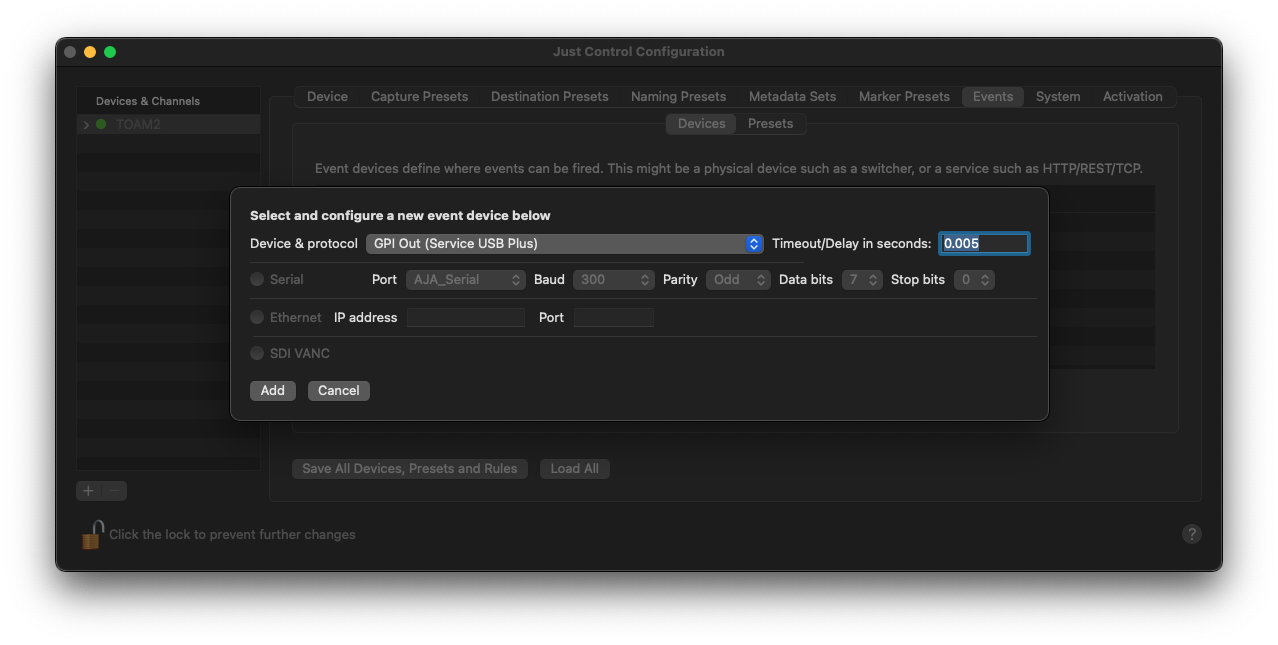
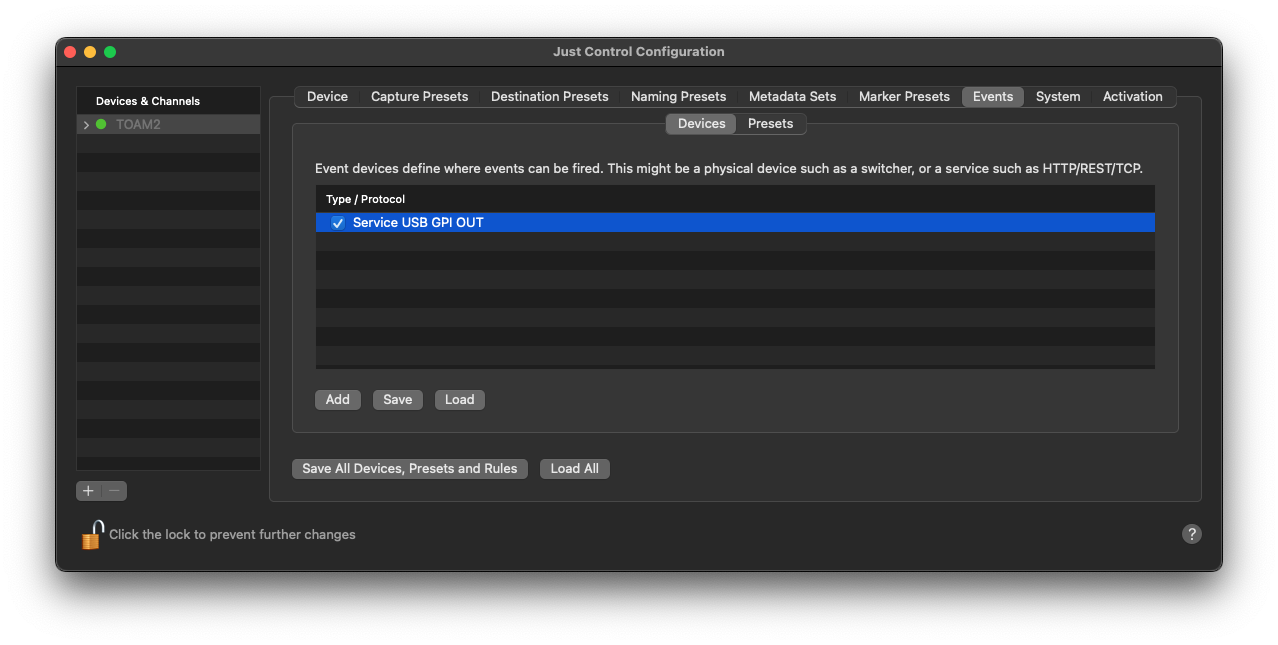
Click on the “Add” button to select the “GPI Out (Service USB Plus)” Device from the “Device & protocol” list (new window) and press the “Add…” button to create the Event Device. Further configuration will be done within the Recording Event itself. Please see below:
Presets
Open the “Events” tab and switch to the “Presets” sub-tab. Then use the “Add Preset” button to create a new Event Preset. Set a name for the Event Preset, select “Service USB GPI OUT” and press “Add”.
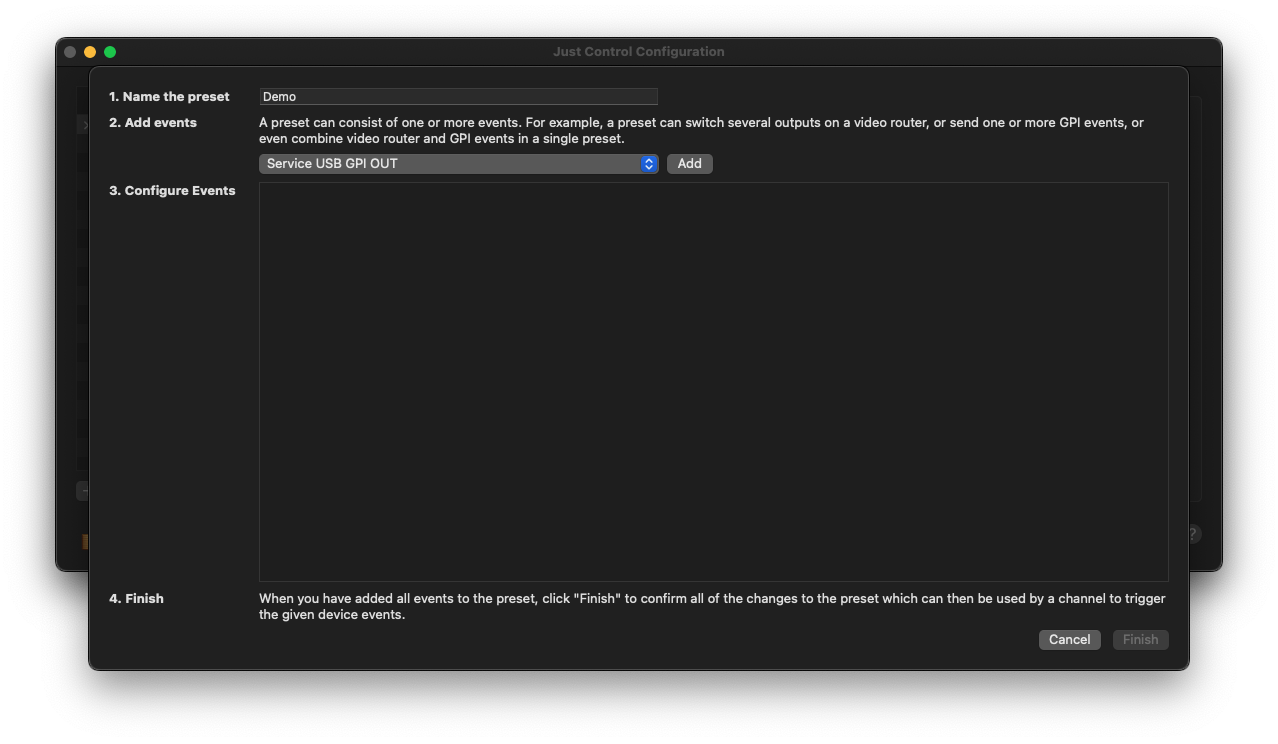
Now, you can configure the actual Event. Please note that you can add multiple GPI triggers. Simply press the “Add” button again and configure the new Event.
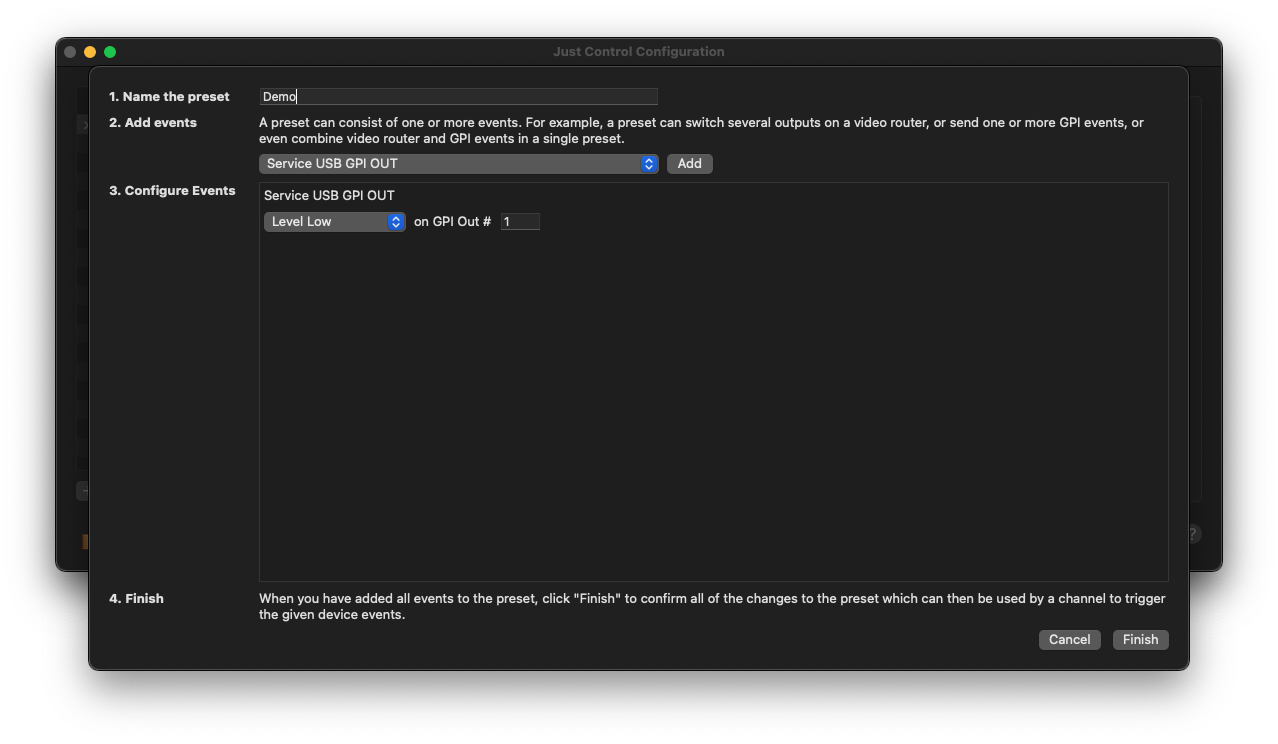
Once everything is set up, press the “Finish” button and the Event will be visible within the Event Presets list, and be available within the Inspector of Just Control as well.
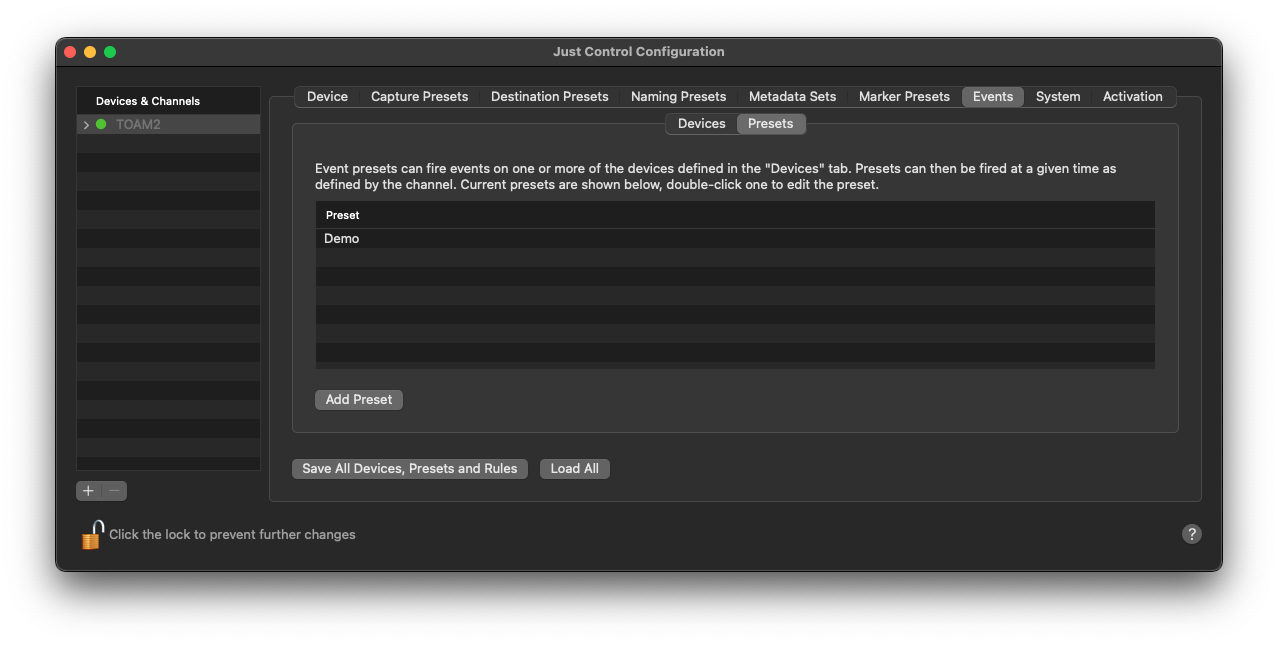
Double-click on the Preset to modify it again, select the Preset and hit the “Enter” key to adjust the Preset name.