
General
The SendGrid Email Event Device enables you to send customisable mail notifications via the SendGrid service. Please note that this Event Device requires both a SendGrid account and internet access on the Just In Engine (Mac) machine.
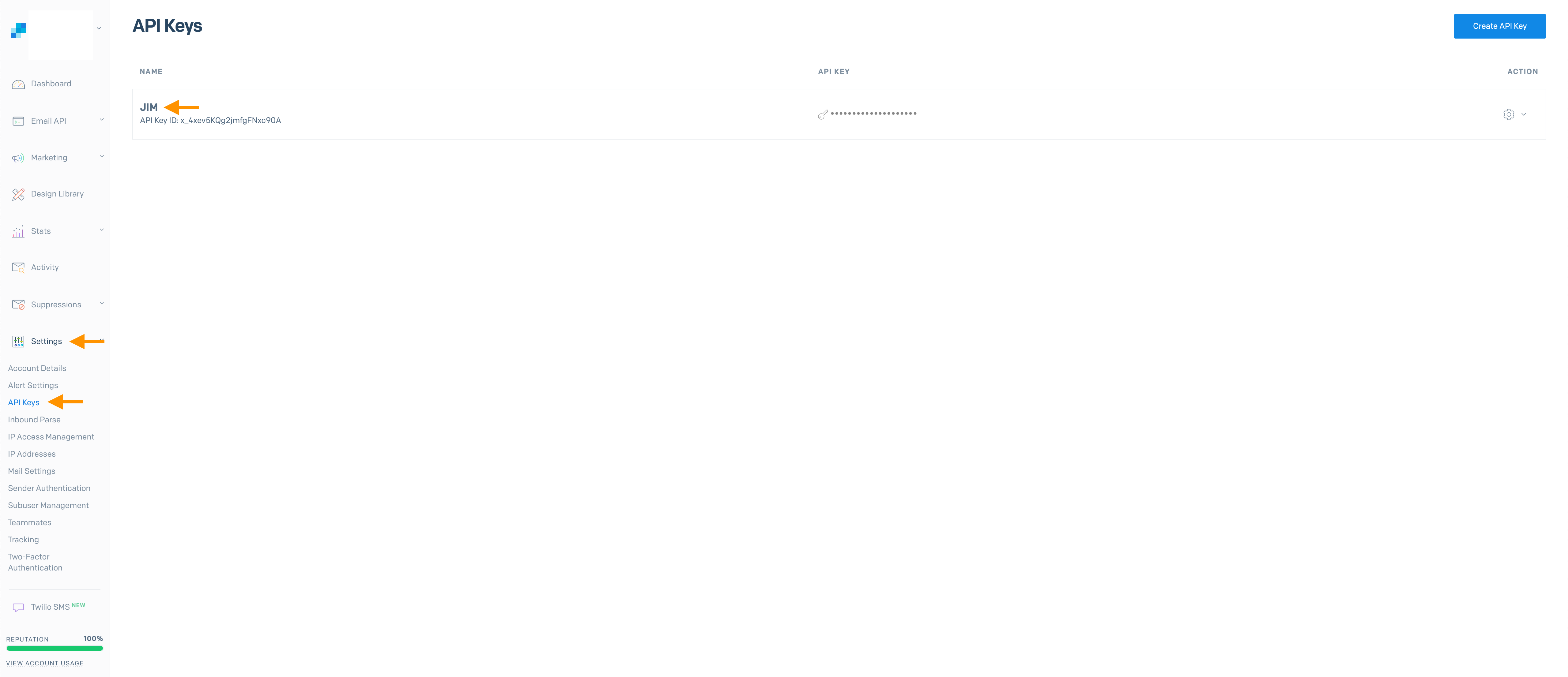
To complete this Event Device Configuration a SendGrid API key is required, which can be created in the settings of your SendGrid account.
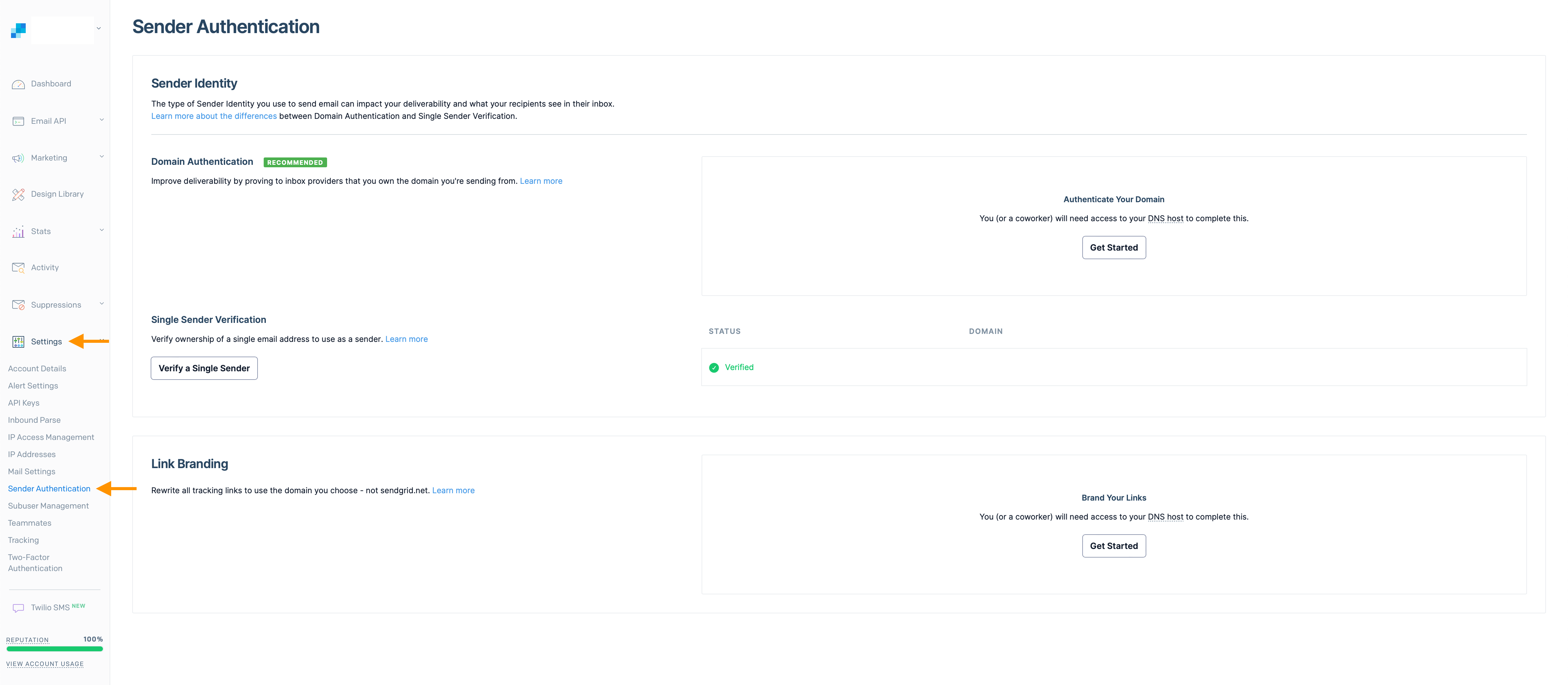
Note that at least one verified sender mail account has to be created.
Devices
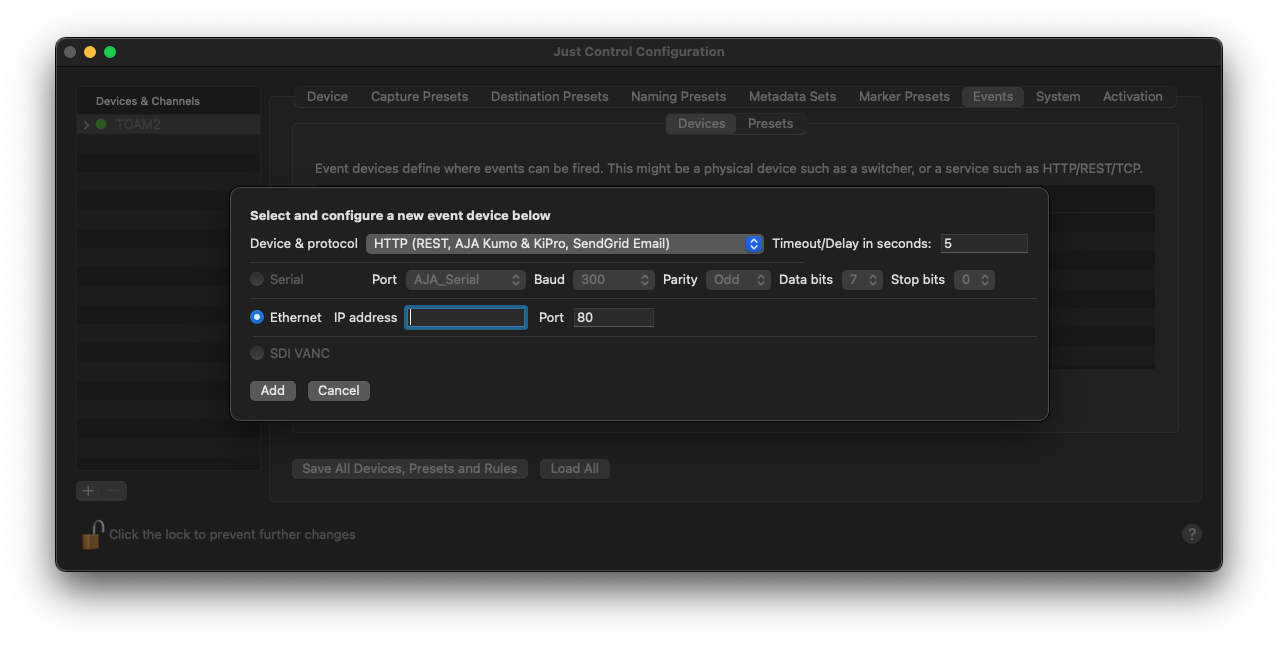
Open the Just Control Configuration panel and select the “Events” tab. Choose the “HTTP” Device and leave the IP address field empty. Press the “Add…” button.
A new window will pop up, where the following steps have to be completed. Select the “SendGrid Email” preset and press the “+” button. Then select the Authorization parameter and copy & paste your API key into the “Value” field next to “Bearer”.
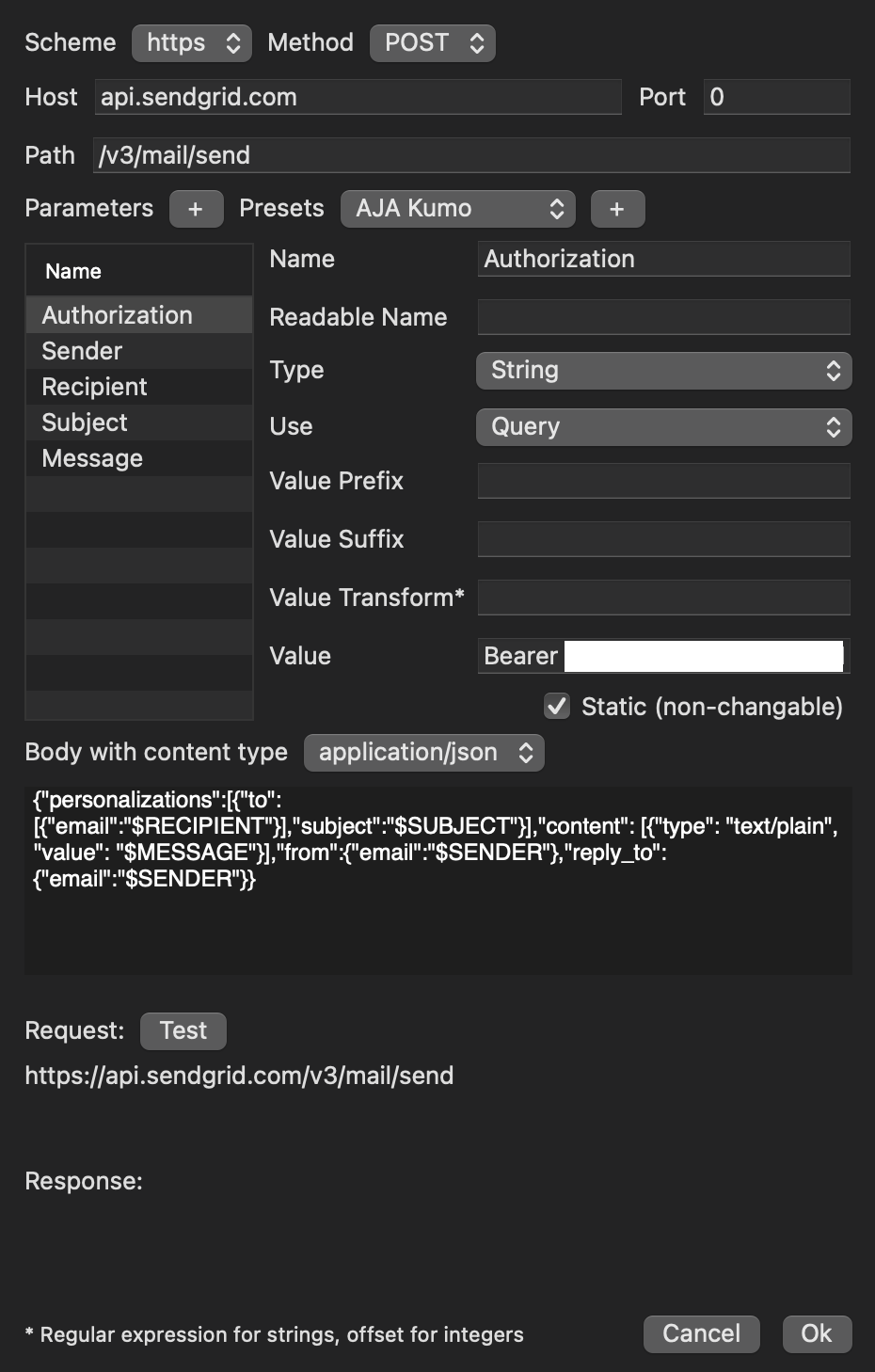
Then click on the “Sender” parameter and enter your verified sender mail address into the “Value” field.
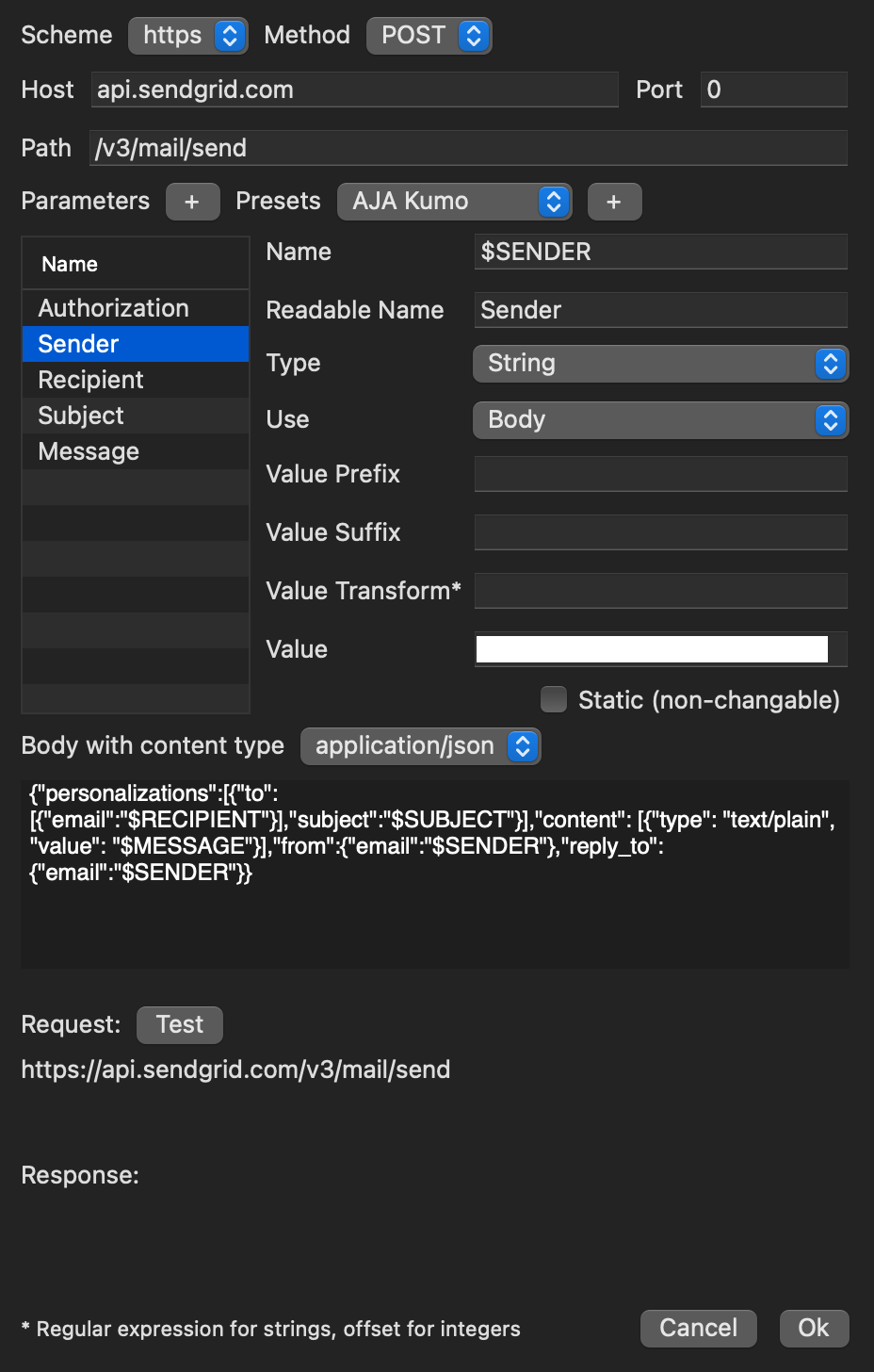
Next, select the “Recipient” parameter and add the mail address of the specific recipient into the “Value” field.
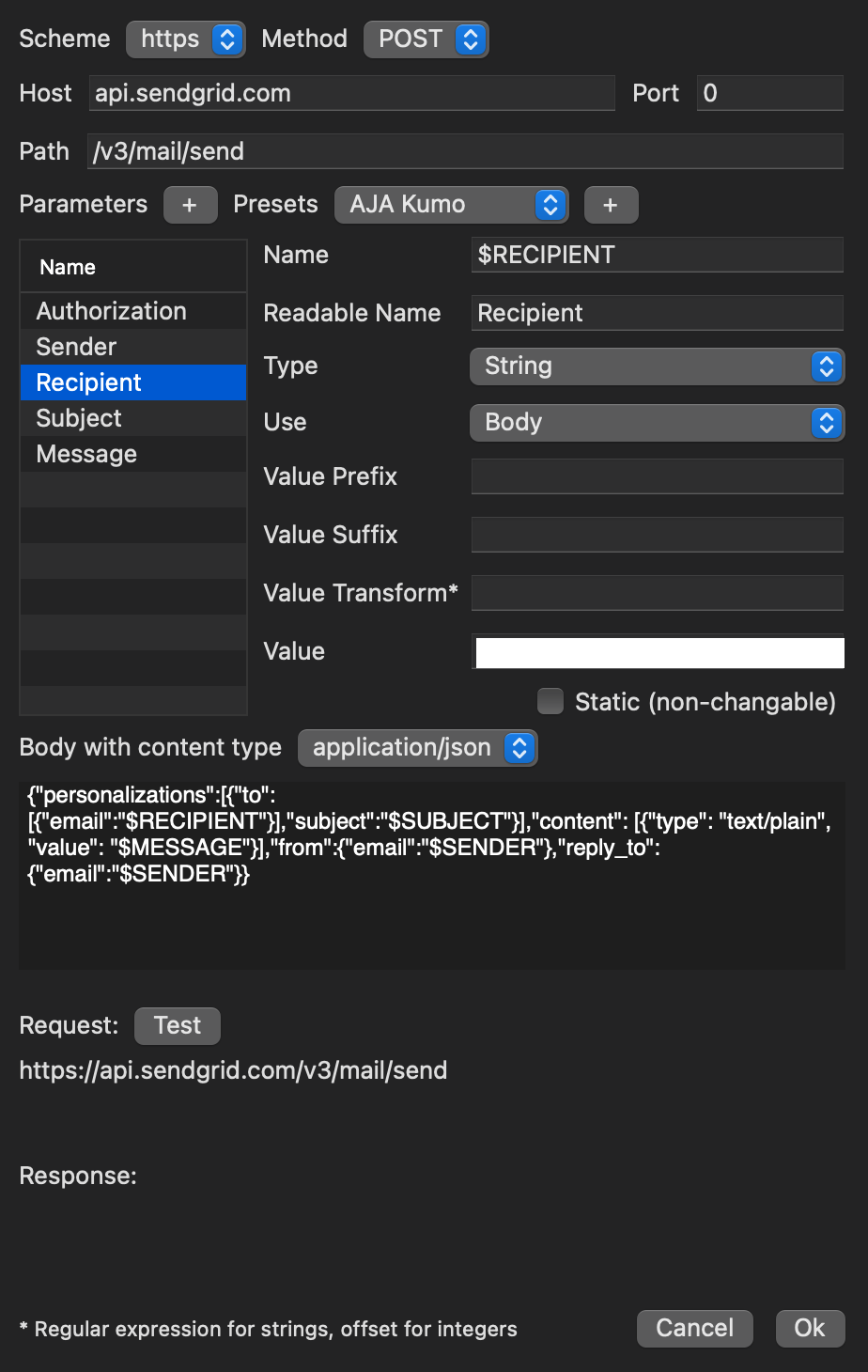
Next, select the “Subject” parameter and enter the appropriate subject into the “Value” field.
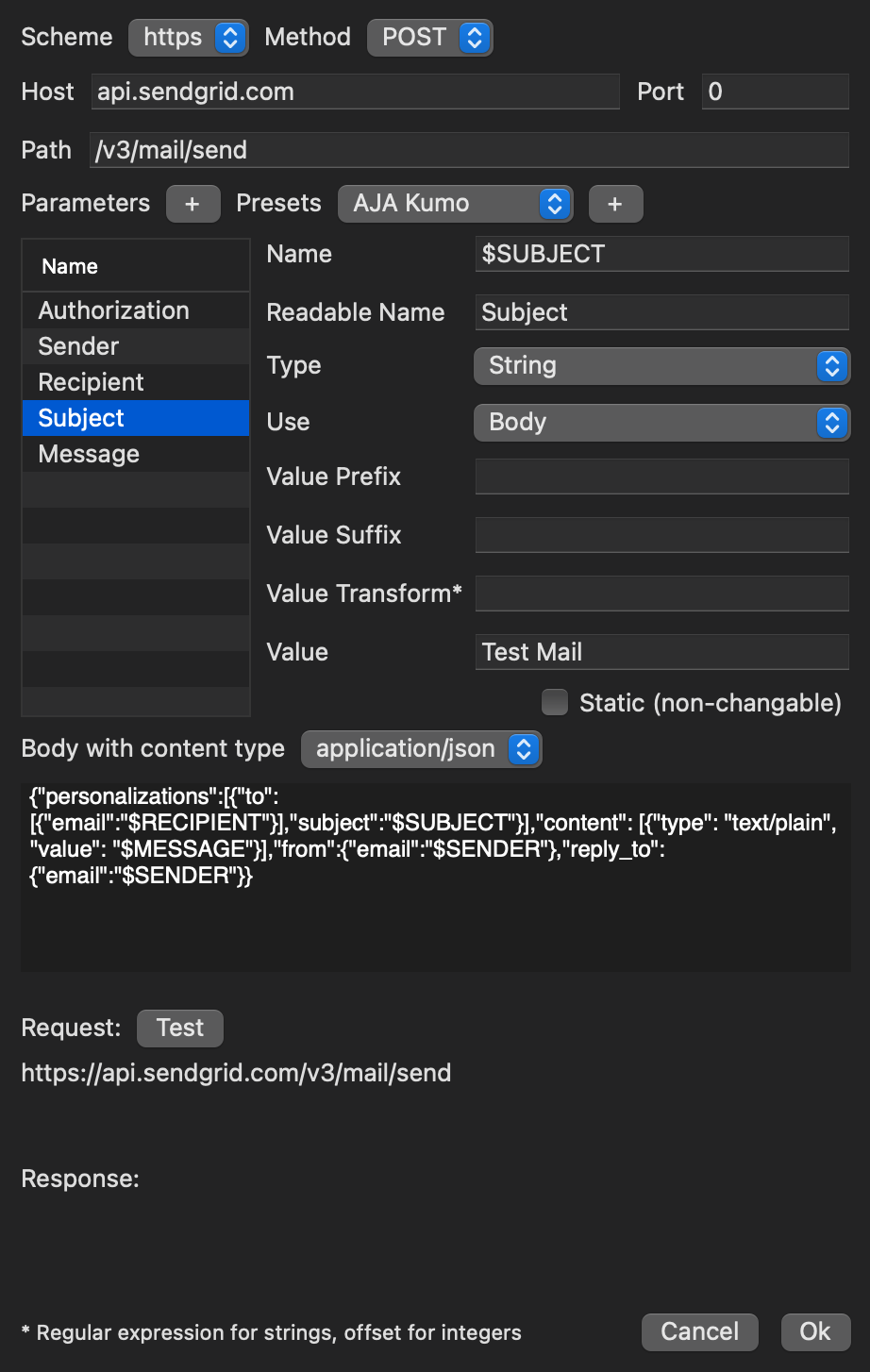
Lastly, select the “Message” parameter and enter the message text into the “Value” field.
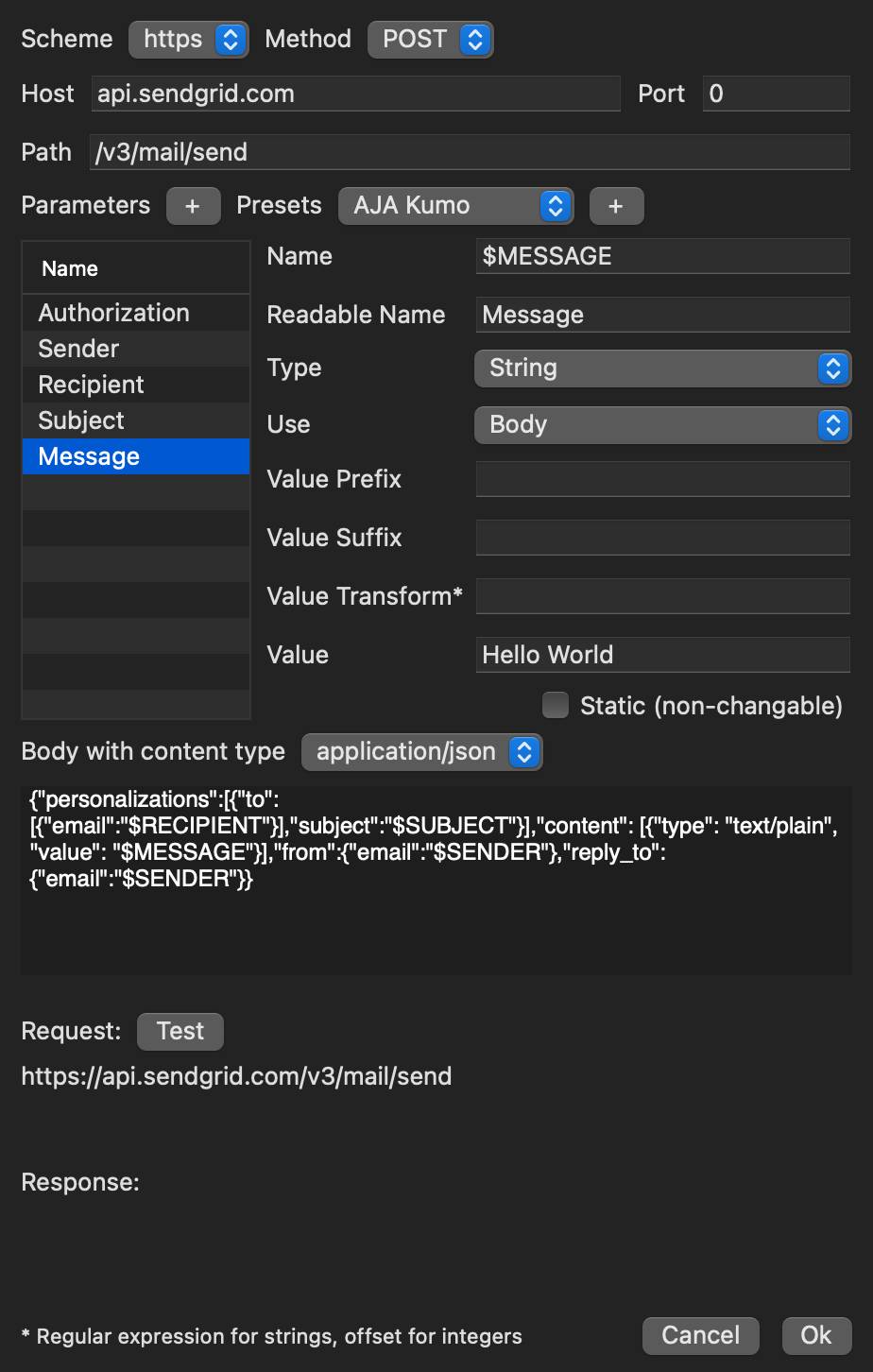
Then press the “Ok” button to complete the configuration.
Presets
Go to the “Event Presets” sub-tab and create a new Event Preset. Set a name for this new Preset and choose the SendGrid Event Device and press the “Add” button. Then use the “Finish” button to save the Event Preset.
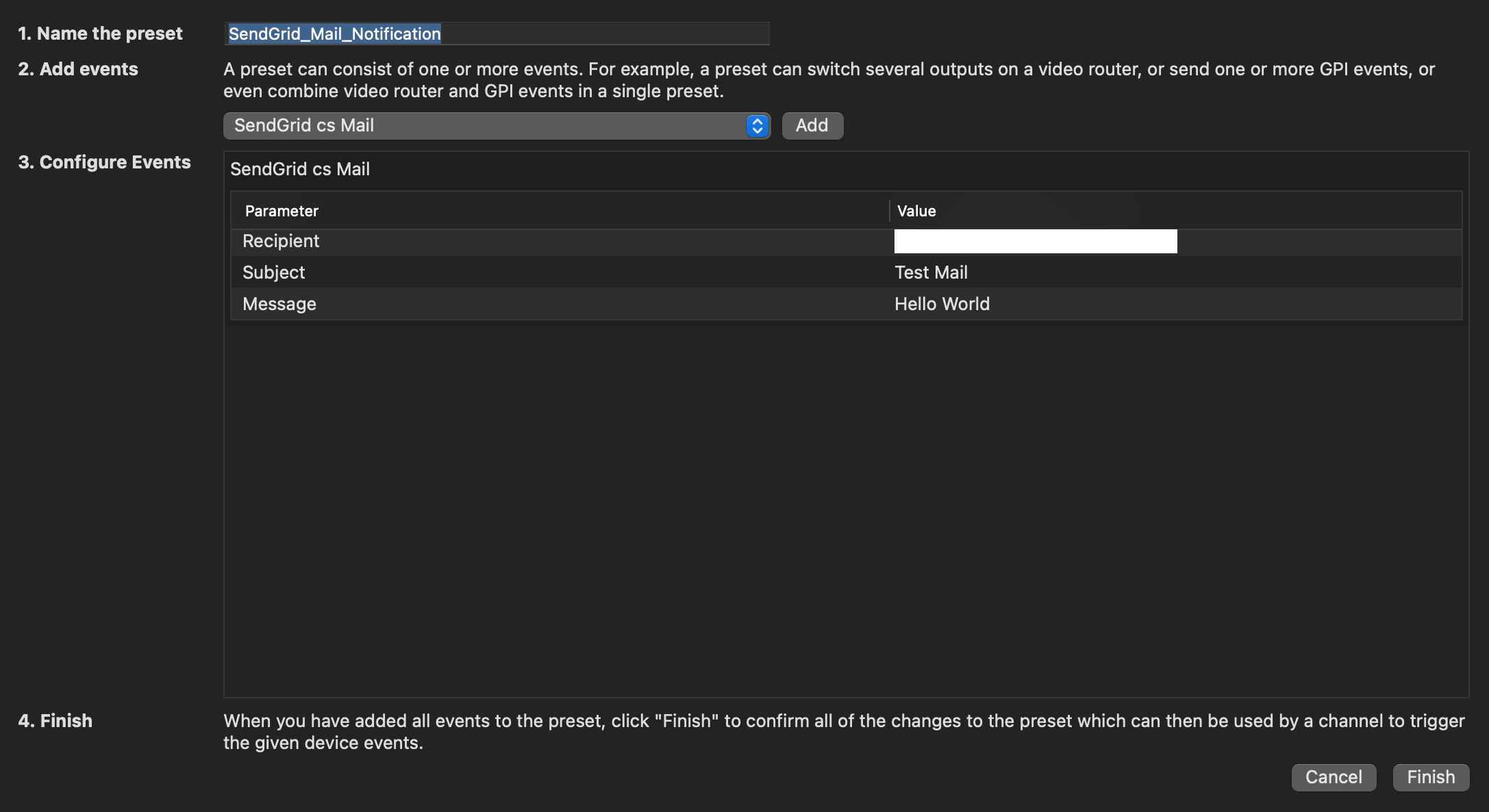
This Event Preset is immediately available within the Channel Inspector.