Please be aware that the steps below work only with macOS Monterey or older versions of macOS
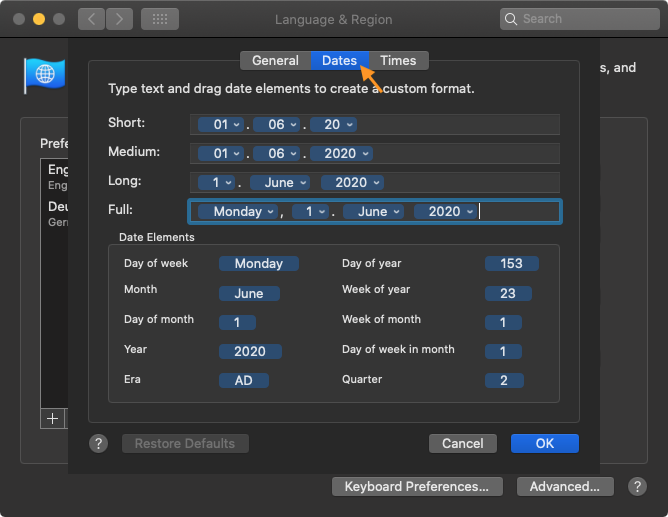
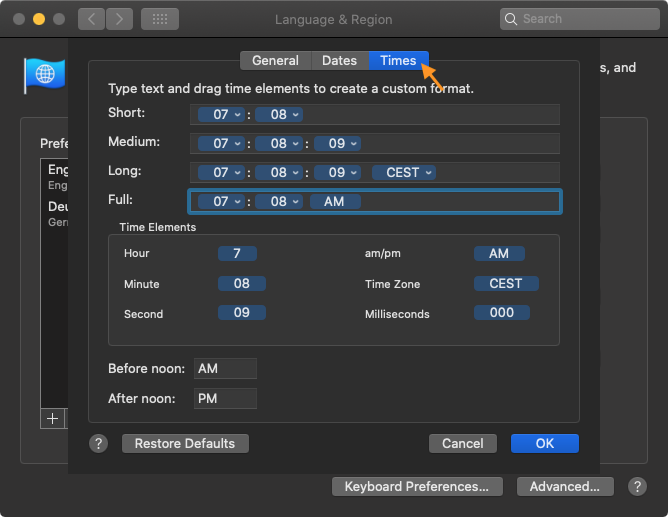
Changing the format of metadata elements was straightforward with macOS Monterey (and earlier). To simplify this task even more, we use the default system settings. To change it, open the custom format settings for “Dates” and “Times”, please proceed as follows:
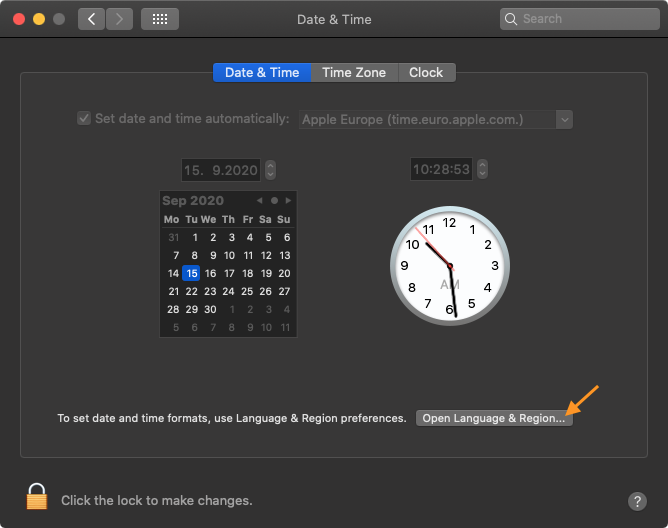
First, open the macOS System Settings, click on “General” and select “Language & Region”

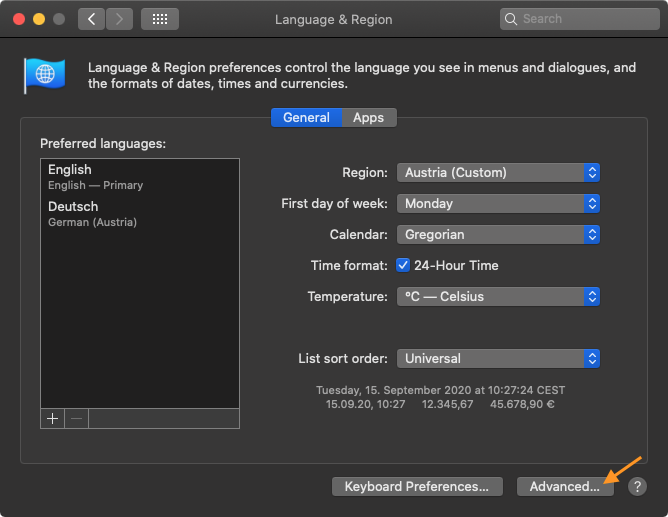
Switch to the “Advanced” Settings
Change “Dates” and/or “Times” Format Settings here ("Full:")